5 Ways to Improve PDF Workflows at Growing Startups in 2027

Riten Debnath
31 Oct, 2026
Last Updated: Nov 2026
Every startup begins with a handful of files and a founder who knows where each one lives. Then the team passes ten people, the client list doubles, and that mental map starts to crack. Contracts hide in inboxes, invoices sit on someone’s desktop, and nobody remembers which proposal went out last Tuesday.
The fix usually lands on one person: an ops hire, a freelancer, or a team member who volunteers because they can’t stand the chaos anymore. PDFs sit at the center of the mess because they travel everywhere, from sales decks to NDAs to receipts. That makes them the natural starting point for workflow improvements for startups. The five changes below follow a file from arrival to the moment someone needs to protect it.
1. Make every scanned PDF searchable
Most growing teams end up with a shared folder full of scanned receipts, signed delivery notes, and vendor invoices. A client disputes an old charge; you type the reference number into the search bar, and nothing comes up. The file sits right there, yet your computer can’t find it.
A scanned PDF works like a photo of a book page. You can read it, but your computer only sees pixels. Google hit the same wall when it began scanning library books in 2004 for what became Google Books, and it turned millions of page images into searchable text. Your archive of a few thousand receipts is a far smaller job.
The technology behind this is optical character recognition. It reads the image and adds a hidden text layer underneath. If you’ve never set it up, this guide on how to do OCR on PDF files walks you through the process in a few clicks.
The payoff shows up the first time someone needs an old document in a hurry. Your team types a name, number, or date and lands on the right page in seconds. Searchable PDFs also work better with automation rules and with AI assistants that summarize documents.
Why it matters: Searchable text turns a folder of pictures into an archive your whole team can query in seconds.
2. Let automation move files between people
Once your files are searchable, the next bottleneck shows up in the inbox. Someone forwards every vendor invoice to finance by hand, saves a copy to the right folder, and pings the accountant on Slack. On a busy week, that adds up to dozens of chances to miss one.
Toyota tackled a similar problem on its factory floors in the 1950s with kanban. A card attached to each bin of parts told the next station what to produce, so nobody had to chase anyone. The signal traveled with the material.
Automation brings that logic to your PDFs. A rule watches a dedicated invoices inbox, saves each attachment to the right client folder, and posts a note in the finance channel. Before you build anything, spend an afternoon picking the right workflow automation software. The tool you choose decides how far your rules can stretch later.
Start with one rule for your most common document. Add a second once the first has run smoothly for a month. Write each rule down in a shared doc so anyone on the team can fix it when it breaks.
Why it matters: Every file that moves on its own frees a person to work on something that actually needs a human brain.
3. Give every final version a single home
Growth also brings duplicates: contract_final, contract_final2, contract_FINAL_signed, and contract_final_USE_THIS, each with slightly different terms. When a client asks which version they signed, nobody can answer with confidence.
Libraries solved this after Melvil Dewey published his classification system in 1876. Each book got exactly one spot on the shelf, so nobody wondered which copy counted. Your shelf can be a document management system or a tidy cloud folder, as long as the team treats it as the only source of truth.
Drafts can live anywhere, but final PDFs go to one folder and nowhere else. Turn on version history so every edit keeps the old copy. Then agree on one naming pattern: the date in YYYY-MM-DD format (the ISO 8601 standard), then the client name, then the document type.
Skipping this step gets expensive. According to these document management statistics for 2026, a single document search takes around 18 minutes on average. Offices also spend about $120 in labor to find each misfiled document. Multiply that across a growing team, and the math gets uncomfortable.
Why it matters: One home for final versions settles arguments before they start and keeps clients, finance, and legal on the same page.
4. Replace the print, sign, and scan routine
John Hancock signed the Declaration of Independence with a quill in 1776. Many startups aren’t far ahead of him. They email PDFs that clients must print, sign, scan, and send back. Some clients take a week, a few never finish, and the deal quietly goes cold.
The fix combines fillable templates with electronic signatures. Build one master version of each recurring document, such as your NDA, service agreement, and onboarding form, with fields for names, dates, and prices. It’s the same idea that made Henry Ford’s 1913 assembly line work: standard parts mean the same result every time.
Electronic signatures close the loop. In the United States, the ESIGN Act of 2000 gave them legal standing for most commercial contracts, and the EU followed with the eIDAS regulation in 2014. Most PDF editors and signing tools now let a client sign on a phone in under a minute.
Every signed copy can land straight in the single home you set up earlier. Deals that used to wait days for paperwork can close the same afternoon.
Why it matters: Templates cut drafting time, and e-signatures remove the slowest step between a verbal yes and a signed deal.
5. Control who can open sensitive PDFs
Access control often arrives after a scare. A contractor gets a shared link for marketing assets and discovers it also opens every payroll PDF in the company. Nothing bad may come of it, but a near miss like that should change how you share files.
Big companies learn this the hard way. In 2017, attackers accessed the personal data of roughly 147 million people at Equifax, and the company later agreed to a settlement of up to $700 million. A startup won’t face numbers that size. Still, one leaked PDF of customer records can cost more than a year of software subscriptions.
Good access control works like office badges. Yours opens the front door and your floor, while the server room stays shut unless your job requires it. Folder permissions should follow the same principle.
Start with three habits:
Set sharing links to expire after a few days.
Password-protect PDFs that carry salaries, bank details, or client data.
Redact sensitive lines before a file leaves the company.
Then review folder permissions once a quarter, especially when someone joins or leaves the team.
Why it matters: Tight permissions protect the trust you’ve built with clients and staff, and trust takes far longer to rebuild than a folder structure.
Turn each fix into proof of work
Once these improvements are running, they rarely get credit. Nobody notices the invoice that filed itself or the contract nobody had to hunt for. That’s exactly why you should document them.
You might be a freelancer setting this up for clients or an employee who took it on internally. Either way, each change makes a clean case study:
The problem: what was broken, in plain numbers, such as hours spent searching or days spent waiting on signatures.
What you built: the tools, rules, and folder structure.
The result: time saved, faster deal closes, or fewer access issues.
Add before-and-after screenshots and a short write-up to your Fueler portfolio. A hiring manager or prospective client learns far more from a working system than from a CV line that says “process improvement.”
Key takeaways
Start with OCR and a single home for final files. Both take an afternoon and pay off the next time someone searches for a document.
Add automation, e-signatures, and access control one at a time, roughly one per month.
Start with the change that removes your team’s most annoying daily chore, and let its results make the case for the next one.
Document every fix as you go, so the work counts toward your next role or client.
The best workflow improvements for startups share one trait: they keep working while you sleep.
FAQ
What’s the easiest PDF workflow improvement to start with?
OCR. It takes minutes to run on existing files and doesn’t require anyone to change their habits. Your whole archive becomes searchable right away.
Do electronic signatures hold up legally?
For most commercial contracts, yes. The ESIGN Act covers the US and eIDAS covers the EU. Some documents, such as certain wills or court filings, still follow special rules, so check with a lawyer for anything unusual.
How many automation rules should a small team start with?
One. Pick your most common document and let the rule run for a month. Add the next rule only once the first one works reliably.
How often should we review who can access our files?
At least once a quarter. Also review access every time someone joins, leaves, or changes roles.
How do I show this kind of work in my portfolio?
Treat each improvement as a mini case study with three parts: the problem, what you built, and a measurable result. Screenshots of the folder structure or automation rules, plus a short before-and-after summary, make it concrete.
Why 150,000+ professionals use Fueler
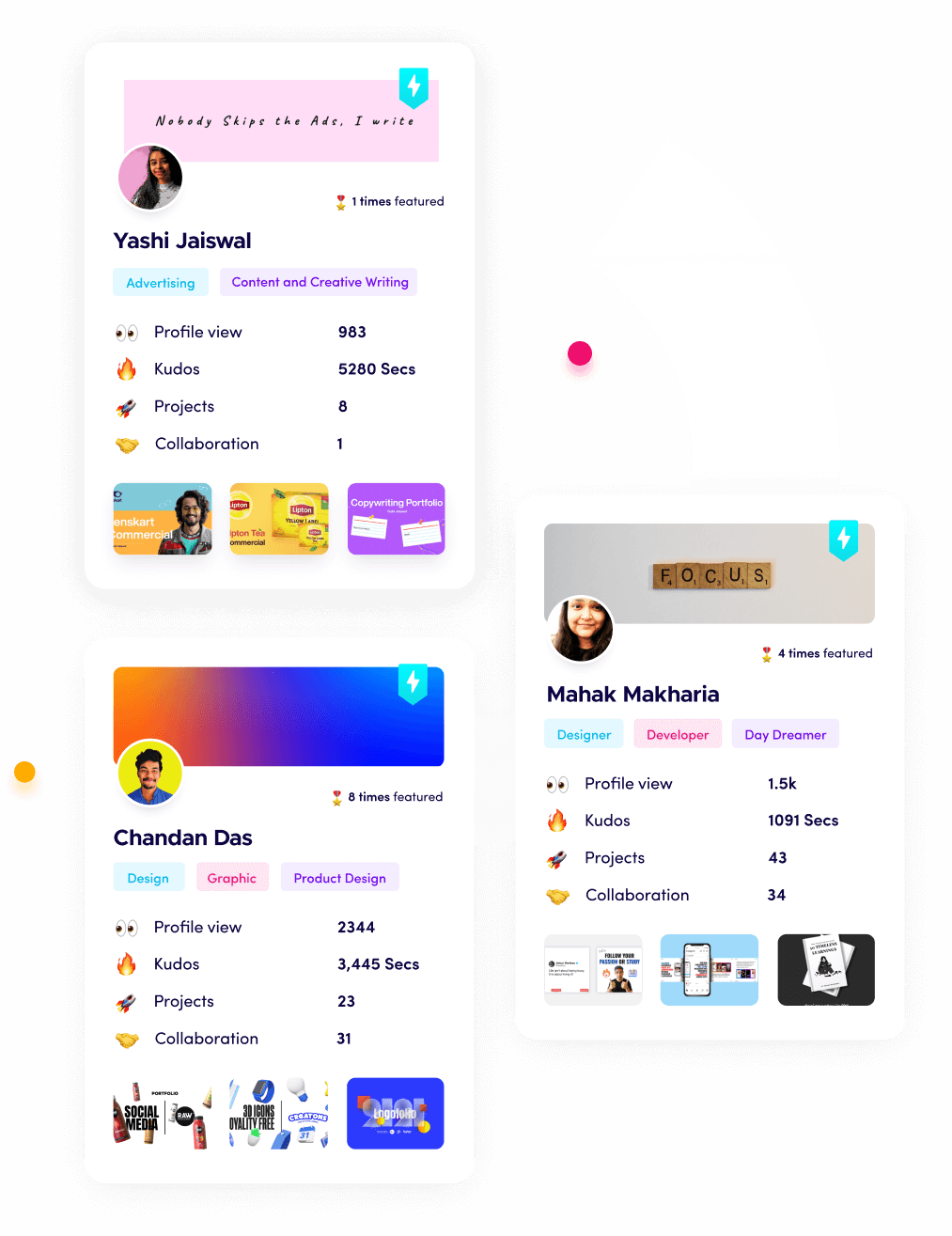
Fueler helps professionals showcase proof of work through projects, assignments, case studies, and achievements.
Thousands of professionals use Fueler to create their digital portfolio
Thousands of projects are published on Fueler. Check here
Startups and Companies hire through proof of work on Fueler
Used by freelancers, creators, marketers, video editors, writers, designers, and product managers
Our mission is to help the next 100 million professionals build a verified professional identity through proof of work

What should you do next?
You've read the article. Now turn your skills into proof of work and unlock more opportunities.
Build your proof of work portfolio
Create a clean portfolio with projects, assignments, resumes, and AI stack details that companies actually want to see.
Create your Fueler portfolio →Apply through assignments, not resumes
Stand out by solving real tasks from companies hiring on Fueler.
Explore assignments →Get discovered by companies
Make your work public and let recruiters discover your skills through actual projects instead of keywords.
Get discovered →