4 Automated Third-Party Risk Management Platforms That Beat Manual Vendor Reviews

Team Fueler
29 Apr, 2026

Vendor risk does not freeze in time, yet most spreadsheet-driven review processes do. The following guide compares four automated third-party risk management (TPRM) platforms that streamline evidence collection, questionnaires, and continuous monitoring so you can replace static files with living risk data.
1. Vanta: continuous control monitoring in real time
Vanta is designed to remove the two biggest time sinks in vendor reviews: collecting evidence and turning it into usable answers. Vanta’s 2026 TPRM software guide reports that their AI-driven analysis can replace more than 50 hours of manual review for a single vendor.
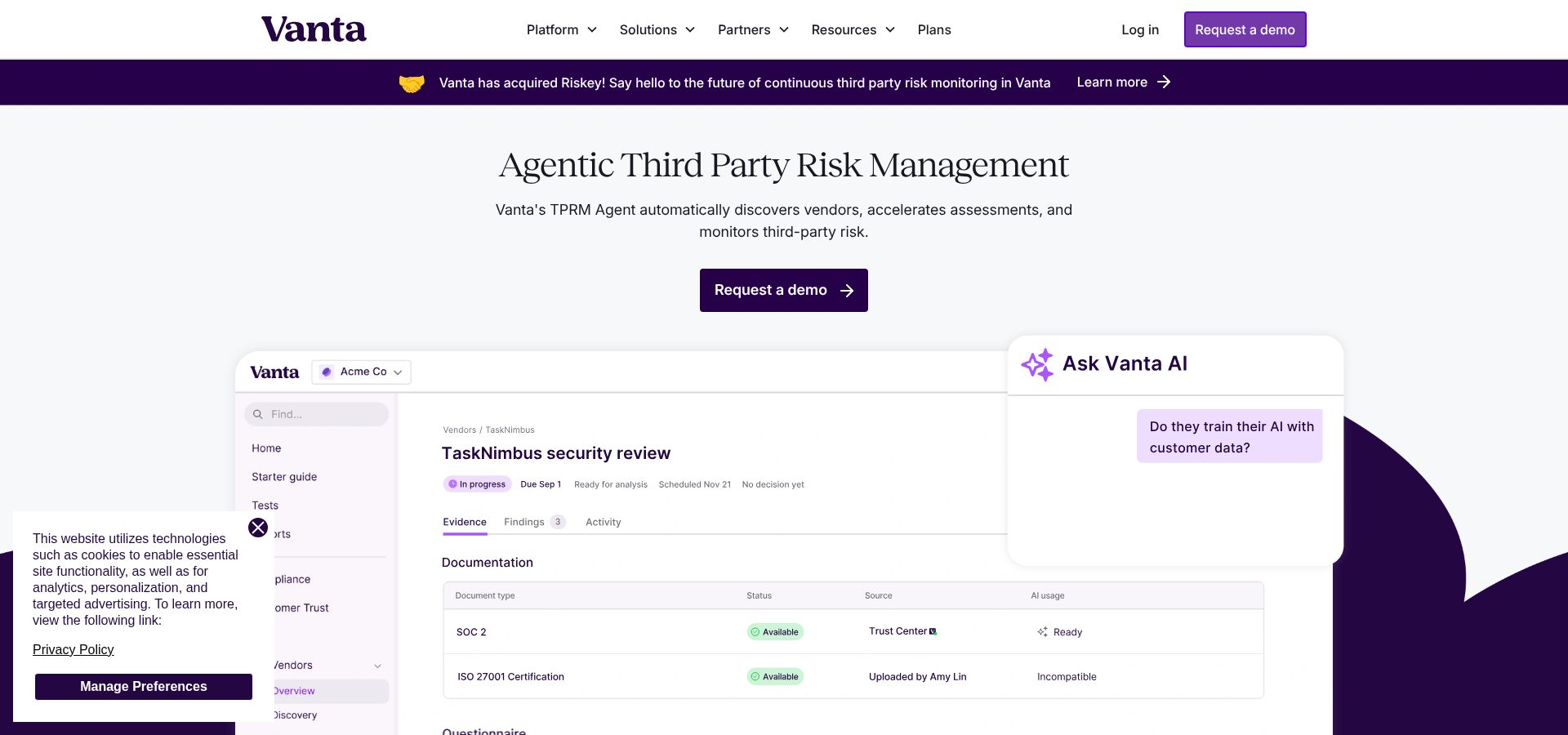
Instead of asking a vendor to restate what is already in their SOC 2, ISO certificate, pen test, or DPA, Vanta’s AI-powered security reviews analyze uploaded documentation and help auto-answer questionnaires with sourcing. Vendors can collaborate through Vanta Exchange, a dedicated portal for uploading files, completing assessments, and keeping everything in one thread. When responses slip, Vanta automates follow-ups so your team is not stuck sending the fifteenth reminder.
Vanta also reduces repetitive work across your portfolio. If you are assessing common vendors, you can pull documentation from roughly 8,000 Vanta customer Trust Centers, which can speed up evidence collection for tools your company already depends on.
Continuous monitoring that goes beyond a spreadsheet snapshot. Continuous monitoring that goes beyond a spreadsheet snapshot
In addition to inside-out evidence workflows, Vanta adds proprietary continuous monitoring, including vendor scanning technology from its Riskey acquisition. That monitoring is built to surface changes between reviews, like attack-surface shifts, leaked credentials, and signals tied to supply-chain changes. You can still run structured questionnaires, but you are no longer blind between renewal dates.
This is also where the “control drift” model becomes practical. If a control that protects vendor-integrated data changes, like an access setting, MFA posture, or a misconfigured cloud resource, Vanta can flag it quickly so you can respond before it turns into an audit surprise or an incident.
Ideal for
Vanta is a strong fit when a lean security or GRC team needs a formal TPRM program without adding a large operations layer. It is especially well-suited for mid-market organizations scaling their vendor ecosystem, where the same leaders often own compliance, risk, and vendor intake.
Integrations and time to value
Vanta supports 375+ integrations across the broader platform, which helps vendor-risk workflows connect to the tools your teams already use. In practice, that integration depth matters because vendor reviews rarely fail on “risk scoring.” They fail when tasks and alerts live outside the systems where work actually happens.
The outcomes are measurable. Across 6,000 reviews, Vanta reports a 50 percent reduction in review time, with the average dropping from 19.3 to 10.5 days, and 62 percent faster evidence collection, from 4.7 days to 1.8 days. Customers also put hard numbers to the time savings. Vibrent Health’s CISO, George Uzzle, shared that vendor reviews that used to take 50 hours per vendor were reduced to only a few hours a week with Vanta’s TPRM. Duolingo has also highlighted the practical impact of AI extraction, noting that it pulls out the most important details so teams do not have to comb through vendor documentation line by line. Pigment’s CISO has similarly described moving from a full-day review effort to at-a-glance monitoring.
Pricing and scalability considerations
Vanta’s VRM offering is typically sold in tiered vendor-count bands—for example 50, 75, 100, and 200 vendors—with per-vendor annual pricing that can vary based on whether you include continuous monitoring. As a rough guide from the research inputs, base VRM has been cited around 300 dollars per vendor per year, and VRM plus continuous monitoring around 600 dollars per vendor per year, with examples like 50 vendors at roughly 10K to 20K and 100 vendors at roughly 20K to 41K.
Vanta can scale to large portfolios. Enterprise usage has been cited up to thousands of vendors, although the research notes the product is still maturing at the extreme end of scale, roughly 3,000+ vendors.
Limitations and when to pair it
Vanta is strongest when “cyber and compliance” are central to your third-party program. If you need deep monitoring for reputational, ethics, or sanctions risk, you may need an additional due-diligence toolset. For organizations that demand highly customized visualization and reporting, OneTrust’s reporting depth can be stronger. Vanta can also be paired with dedicated privacy tooling for heavy data-mapping requirements, and its roadmap includes additional integrations for threat intelligence and vulnerability context.
If your biggest problem is spreadsheet-driven vendor risk, and you want questionnaires, evidence, and continuous signals to roll into one program, Vanta’s combination of AI automation and monitoring is built for exactly that.
2. OneTrust: enterprise workflow depth at scale
At its foundation, OneTrust is a workflow-driven platform. You translate requirements such as GDPR, HIPAA, and DORA into conditional logic, then let the platform steer the assessment path based on what the vendor does and what data they touch. The upside is consistency at scale. The platform makes sure high-risk vendors get deeper scrutiny, and it keeps an audit trail of who reviewed what, when, and why.
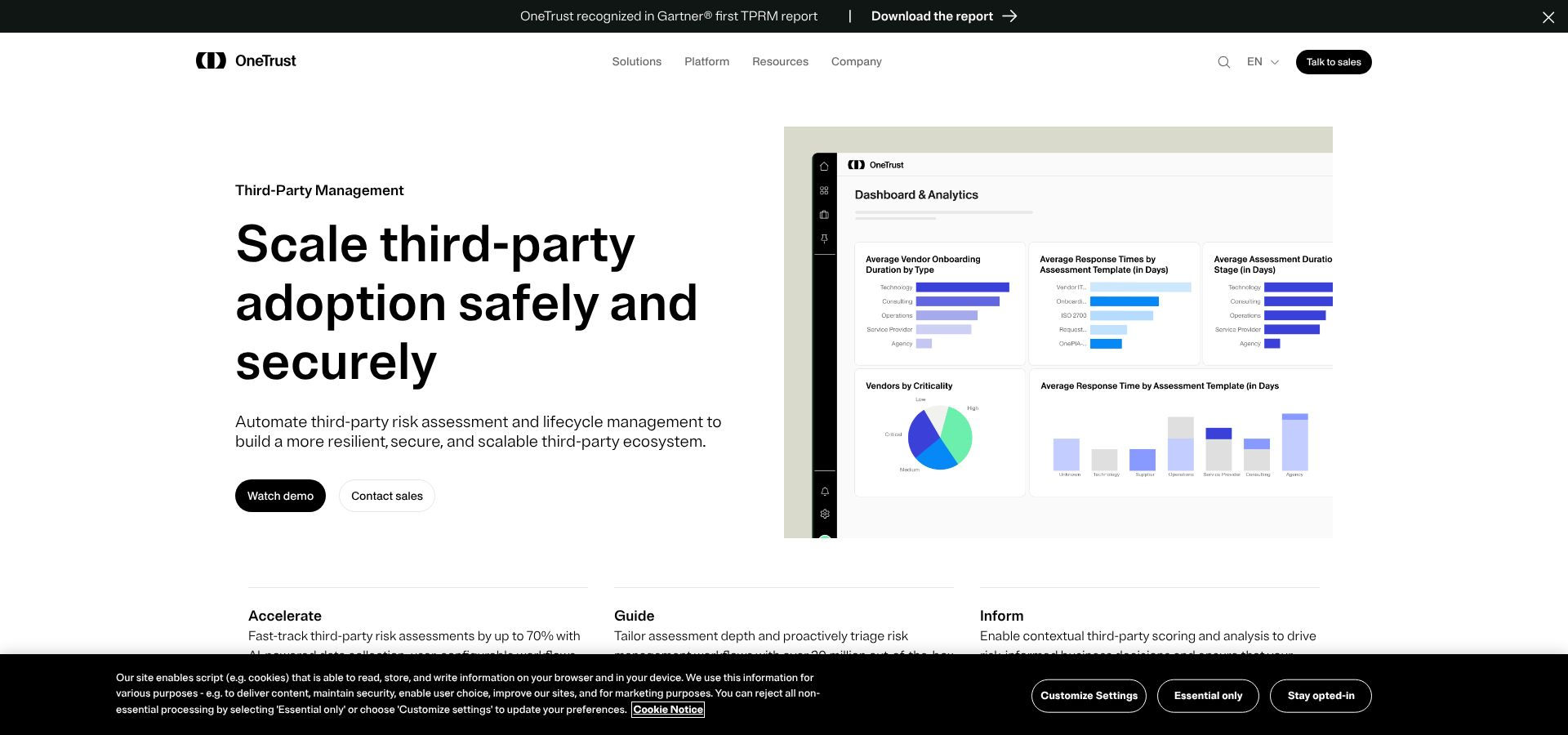
A key nuance is how the product is assembled. OneTrust has expanded through acquisitions, including Tugboat Logic in 2021, so modules do not always share a fully unified data model. In large deployments, that can mean more configuration work to make separate teams and modules operate like a single program.
What it is best at: risk coverage beyond cybersecurity
Most TPRM platforms in this category focus primarily on cyber posture. OneTrust goes wider. Its Third-Party Due Diligence capabilities can cover reputational, ethics, and sanctions risk, plus financial-compliance areas such as anti-bribery requirements. That breadth matters for enterprises where vendor risk is not owned solely by security.
Vendor assessments and content depth
OneTrust combines traditional questionnaires with a large content ecosystem.
- Vendorpedia includes 6,000+ pre-populated vendor profiles, which can speed up early-stage research with breach history, regulatory-enforcement context, and corporate changes.
- Questionnaires support conditional logic, so answers can trigger follow-up questions and additional workflows.
- AI features can draft or suggest responses based on prior assessment history and data from the OneTrust Exchange.
On time savings, it is important to be precise. Third-party coverage has cited 65 percent improvements in related testing workflows, and OneTrust materials cite up to 70 percent for risk-assessment efficiency. The practical takeaway is that AI can reduce manual triage and repetitive drafting, but results depend on how standardized your program is and how much historical data you have in the system.
Continuous monitoring, strong workflows but not native signals
OneTrust can support “always-on” monitoring workflows, but the monitoring signals typically come from outside OneTrust.
In practice, organizations integrate services such as SecurityScorecard, BitSight, RiskRecon, and SupplyWisdom, then use OneTrust Risk Exchange to trigger notifications, reassessments, and escalations when those external risk scores change. The trade-off is cost and complexity. Those integrations often require separate paid subscriptions, so your monitoring budget can sit in multiple vendor contracts.
Integrations and enterprise fit
OneTrust supports a sizable integration catalog, with strong alignment to enterprise workflow hubs such as ServiceNow and Jira. It also integrates with CLM tools like IronClad to pull vendor lists into the program. Compared to platforms built around deep technical integrations across cloud and security tooling, OneTrust’s ecosystem is narrower, but it tends to fit well in enterprises where centralized ITSM and formal governance processes are already the backbone.
Ideal for
OneTrust is a strong fit if you have a large vendor population and multi-jurisdiction requirements, plus the internal teams to run a structured program across security, privacy, legal, and procurement.
It is less compelling for small teams that need fast setup and mostly cyber-focused risk signals.
Time to value and operational reality
OneTrust can deliver serious automation once implemented, but implementations are rarely lightweight. Enterprise rollouts are commonly described as 6 to 12 months, especially when multiple modules and workflows are customized. Implementation services can start around 5K dollars for self-starter options and scale to six-figure sums depending on scope.
The platform can be powerful, but the learning curve is real. User feedback frequently points to UI complexity and the effort required to build and maintain workflows over time.
Pricing model and transparency
OneTrust pricing is typically opaque and sold through enterprise contracts. The research inputs cite a wide range, roughly 40K to 500K dollars depending on vendor count and user needs, with pricing expanding as you add modules such as due diligence and risk exchange. This is also where the separate monitoring subscriptions can become a meaningful line item.
Limitations and what to pair it with
If you choose OneTrust for enterprise orchestration, plan for two realities:
- Monitoring is usually an add-on ecosystem, not built-in, so budget for the external rating or intelligence tools you want to plug in.
- The platform rewards standardization, meaning the more your organization insists on bespoke workflows for every edge case, the longer it takes to realize value.
For cyber-posture monitoring, OneTrust is often paired with a dedicated ratings or exposure-intelligence provider. For teams that want workflow depth plus a broad non-cyber risk lens, OneTrust is hard to beat. For teams trying to get out of spreadsheets quickly with minimal configuration, it can be more platform than you need.
3. BitSight: continuous cyber ratings you can act on
BitSight continuously scans for signals like exposed services, misconfigurations, SSL and DNS issues, botnet activity, and leaked credentials, then rolls those signals into a 250 to 900 rating. It is widely used as a board-friendly metric, often compared to a credit score for cybersecurity. That matters when leadership wants a single indicator that can be trended over time and applied across hundreds or thousands of vendors.
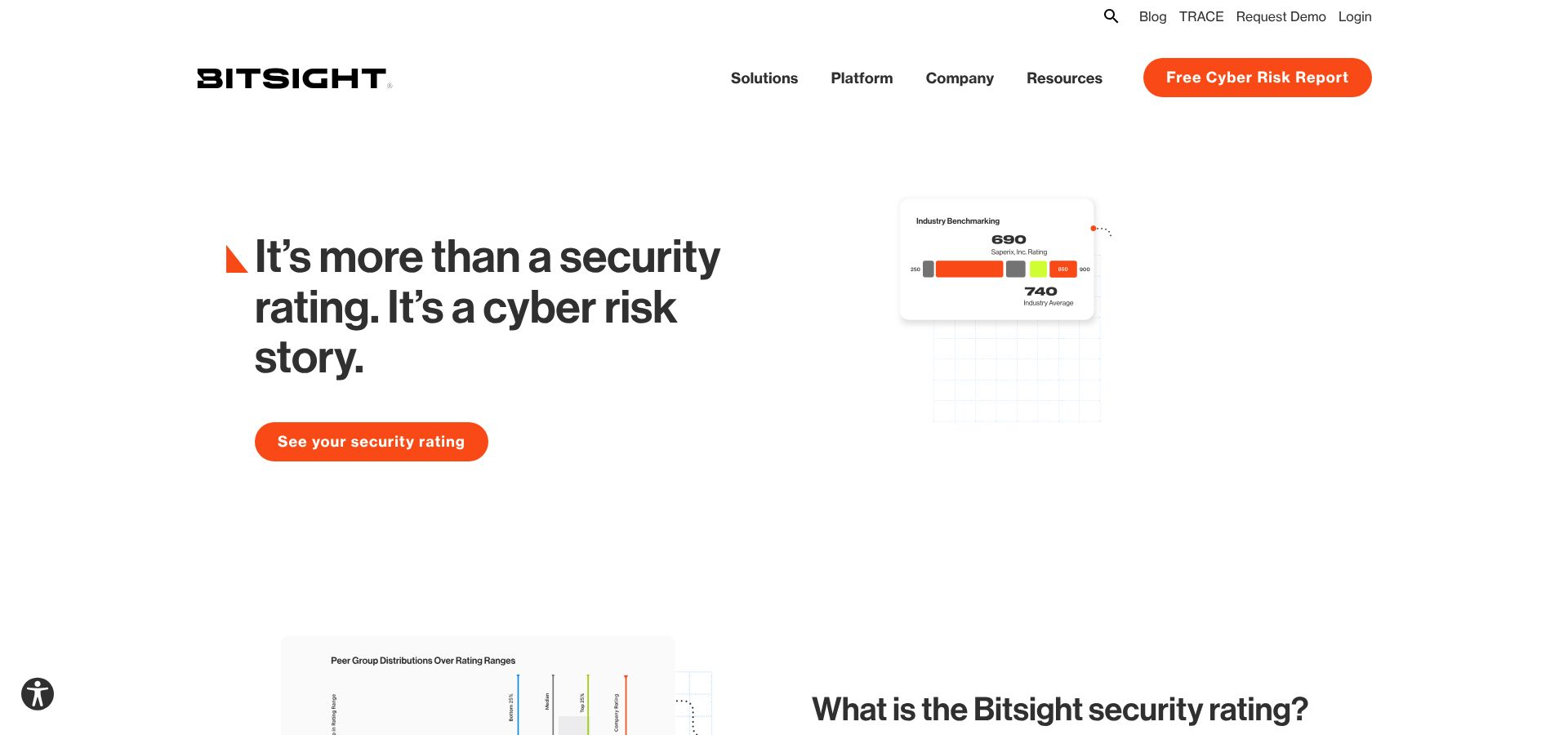
BitSight has also expanded its intelligence depth through its Cybersixgill acquisition, which strengthens deep and dark-web monitoring capabilities.
Ideal for: very large vendor portfolios with a dedicated TPRM function
BitSight tends to fit best in enterprise environments. A large share of its customer base is enterprise, and internal research inputs position it as most effective for organizations that have the staffing to operationalize continuous findings, validate attribution, and run follow-ups at scale.
If your program needs to prioritize effort across a large supplier base, cyber ratings can be a practical way to set thresholds, segment vendors by risk tier, and focus human review where it matters most.
What BitSight does for assessments (and what it does not)
BitSight is strongest as a monitoring and scoring layer, not as a full assessment workflow replacement.
It does offer assessment-adjacent capabilities, including a hub for sharing artifacts like SOC 2 reports and certifications, plus templated questionnaires. It also has an AI-powered Document Analyzer that can summarize SOC 2 reports quickly. These features can help, but they do not replace a full GRC program. BitSight does not provide internal control tracking or a complete compliance workflow engine in the way GRC-focused platforms do.
Continuous monitoring, powerful coverage with important caveats
BitSight’s monitoring refreshes frequently, typically daily, and can surface issues without waiting for a vendor to disclose them. It also supports portfolio-level breakdowns so you can see where risk is concentrated across business units and suppliers.
However, buyers should plan for two operational realities:
- False positives and attribution noise. Customers have reported that a meaningful percentage of findings can be inaccurate or mis-attributed. One referenced customer described the split as roughly 50 percent accurate and 50 percent wrong in their environment. This often turns into recurring work—validating assets, disputing findings, and cleaning up the footprint BitSight thinks belongs to a vendor.
- Slow score movement after remediation. Multiple users report that even after a vendor fixes an issue, the rating does not always rebound quickly. If your program depends on rapid “close the loop” improvements, this can be frustrating for both your team and your vendors.
A third theme is the scoring model itself. Even when teams trust the directionality, some describe the score as a black box, which can make it harder to explain exactly what changed and why.
AI and automation: improving triage, not automating the full lifecycle
BitSight has invested heavily in AI in recent releases. In addition to Document Analyzer, it has introduced Framework Intelligence for mapping to security frameworks and an AI-driven discovery and attribution engine. These capabilities can reduce manual triage, but they do not eliminate the need for a structured workflow tool if you need intake, approvals, and cross-functional routing.
Integrations and ecosystem fit
BitSight offers API access and integrates with common enterprise systems, including ServiceNow, Archer, OneTrust, and Splunk. In practice, it is most effective when its alerts and score changes can trigger action in the tools your teams already live in.
Time to value
You can get a rating quickly, often within days, and begin monitoring a portfolio right away. The longer path is getting to trustworthy signal quality. Many teams need additional time to validate assets, tune alerting, and build internal processes around disputes and vendor outreach.
Pricing and transparency
BitSight pricing is generally opaque and sold through custom enterprise quotes. Research inputs describe a per-vendor model that can get expensive as you expand coverage, with enterprise contracts frequently exceeding 100K dollars and overall ranges that can scale into the 100K to 300K-plus level for large programs. Forrester has also flagged BitSight’s complex pricing model.
Limitations and best paired with
BitSight is a strong continuous-visibility layer, but it is not a complete TPRM program on its own.
If you need structured questionnaires, evidence workflows, and risk-register linkage, BitSight is often best paired with a platform like Vanta (for GRC-integrated vendor reviews and internal control context) or OneTrust (for enterprise routing across privacy, legal, and governance). That pairing is what closes the loop—outside-in detection plus a system that can assign, track, and prove remediation.
4. UpGuard: mid-market all-rounder with rapid time to value
UpGuard’s model is intentionally hybrid. You can run a Quick Review that relies on automated external scans, or a Full Review that combines scans with questionnaires and evidence collection. That lets you right-size effort by vendor tier. Critical vendors get deeper scrutiny. Low-risk vendors still get a defensible baseline without burning weeks on back-and-forth.
UpGuard’s proprietary rating updates multiple times per day and rolls up signals across 10 categories, including areas like encryption, DNS, email security, and data leakage. It also supports automated vendor tiering using 500+ checks and controls, which helps small teams avoid reinventing risk tiers in a spreadsheet.
What it does well: catching “say vs. show” gaps
UpGuard’s most practical differentiator is that it can highlight mismatches between what a vendor claims in a questionnaire and what the platform observes externally.
If a vendor indicates they have strong security controls, but UpGuard’s scans surface exposed services or other issues, that discrepancy is flagged. It changes the review conversation. Instead of debating policy language, you can focus on specific findings and remediation steps.
Assessments, templates, and AI assist
For evidence collection and questionnaires, UpGuard offers breadth without the overhead of a full GRC suite:
- 25+ pre-built questionnaire templates, plus a custom builder
- AI-powered auto-fill to speed up responses
- AI parsing of publicly available security and privacy pages to support vendor profiles
- A Vendor Security Profile capability (in beta) that gives vendors a limited access window, cited as 14 days
These features are designed to shorten the cycle time between “we sent the assessment” and “we can make a decision.”
Continuous monitoring and fourth-party visibility
UpGuard’s monitoring is scan-driven, with notifications for rating changes, new findings, and vendor incidents. It also includes capabilities such as identity-breach monitoring for corporate email addresses, typosquatting monitoring, and data-leak detection via web crawling for exposed buckets, repos, or databases.
For organizations that need it, fourth-party monitoring is available starting at the Corporate tier and above, which can help you see more of the extended supply chain than a questionnaire alone.
Integrations and workflow fit
UpGuard lists roughly 100 integrations, with 17 integrations verified on G2, and includes API access across tiers. It connects with common operational tools such as Jira, ServiceNow, Splunk, Microsoft Sentinel, Okta, PagerDuty, and Confluence. For many mid-market teams, that is enough to route findings into ticketing and incident workflows without building custom plumbing.
Ideal for
UpGuard is a strong fit for lean security teams that want a standalone VRM tool that can be deployed quickly. It is especially useful when you want external ratings and questionnaires together, and you do not want to implement an enterprise GRC platform to get there.
Time to value, plus managed options
UpGuard can deliver first insight quickly. If you enter a vendor’s domain, you can get an initial rating in minutes. Standard and Professional tiers also offer a free trial, which makes it easy to validate signal quality before you commit.
UpGuard also offers managed services, including managed vendor risk assessments and managed data leak monitoring, which can be helpful if your team needs coverage but does not have the bandwidth to run every review internally.
Pricing and scaling
UpGuard is more transparent than most enterprise VRM tools.
- Standard starts at 1,750 dollars per month for 50 vendors
- Additional vendors can be priced at 79 dollars per month per vendor
- Vendr reports an average annual contract value of 36,249 dollars across 52 purchases
The tiers scale by vendor count and user count, from Standard (50 vendors) up through Enterprise and Enterprise+ (unlimited vendors).
Limitations and when to pair it
The most important limitation is scope. UpGuard is not a compliance-automation platform. It does not automate compliance programs like SOC 2, ISO 27001, or HIPAA. If you need vendor risk management plus compliance workflows in a single system, you will likely pair UpGuard with a dedicated compliance or GRC tool.
There are also practical constraints to consider as you scale, including questionnaire complexity for larger deployments and the fact that vendor access windows (noted as 14 days) may be short for slower-moving suppliers. Support responsiveness has also been cited as inconsistent by some customers, so it is worth validating service expectations during your pilot.
For teams that want fast scanning, usable questionnaires, and straightforward workflows without a heavy implementation, UpGuard can be a pragmatic step up from spreadsheets.
Manual spreadsheets vs. automated platforms: the reality check
Spreadsheets feel “under control” because everything is visible. The problem is that most of what matters in vendor risk changes after you hit save.
A spreadsheet can track what a vendor told you last quarter. It cannot tell you when their external exposure shifts, when new breach signals appear, or when your own evidence gets stale. Closing that gap manually means chasing emails, re-requesting the same artifacts, and hoping someone notices a renewal date before legal does.
Automated TPRM platforms solve this in two ways:
- They keep assessments moving with questionnaires, scoring, evidence capture, and reminders.
- They keep risk current with monitoring signals that update between reviews.
Here is how that plays out across spreadsheets and the four platforms in this guide:
The pattern is consistent. Spreadsheets capture a point in time. Automated platforms capture a moving picture.
If your vendor landscape is growing, or your risk tolerance is shrinking, that “moving picture” is the difference between reacting to last year’s paperwork and responding to what is happening now.
Implementation and buying considerations
Before you sign anything, get crisp on three inputs: vendor volume, regulatory weight, and internal bandwidth. A ten-vendor SaaS company that just needs consistent security reviews will evaluate tools differently than a regulated enterprise managing hundreds or thousands of suppliers across security, privacy, and legal.
1. Start with your program shape, not the feature list
Ask two scoping questions up front:
- How many vendors do you need to assess this year, and how many do you need to monitor continuously? Per-vendor pricing can look reasonable until you expand coverage. This comes up quickly with ratings-based models and large portfolios.
- How broad is your definition of risk? If you only care about cyber posture, you will buy differently than a team that needs reputational, ethics, sanctions, privacy, and financial due-diligence workflows.
2. Validate where monitoring signals actually come from
“Continuous monitoring” can mean very different things.
Some platforms provide native scanning signals. Others rely on integrations with third-party ratings and intelligence feeds, which can mean additional subscriptions and additional contracts to manage. If you are evaluating a workflow-heavy platform that depends on external monitoring feeds, confirm what you already own and what you will have to add.
3. Make workflow fit non-negotiable
Automation only works if it lands where work happens.
During demos, insist on seeing how the tool routes findings into your real systems, for example:
- Jira or ServiceNow for remediation and ticketing
- Slack or email for time-sensitive alerts and nudges
- Your intake system for new vendor requests, so assessments trigger automatically
If alerts end up in a dashboard nobody checks, you are buying shelfware with nicer charts than a spreadsheet.
4. Price the program, not the license
Sticker price rarely reflects total cost. The gaps usually show up in modules, services, and staffing.
- Enterprise suites can carry longer implementations, sometimes 6 to 12 months, and services that range from 5K dollars to six-figure sums depending on how customized your workflows are.
- Transparent pricing helps forecasting. For example, UpGuard publicly lists 1,750 dollars per month for 50 vendors, with additional vendors priced separately.
- Vendor-count bands and add-ons matter. Vanta’s VRM is typically sold in vendor tiers, and adding continuous monitoring can change the per-vendor economics.
- Opaque enterprise pricing can be harder to control as scope expands. Ratings platforms commonly price per vendor, and costs can climb quickly when you broaden coverage.
A practical step that de-risks the purchase is requesting a five-year total cost that includes expected vendor growth, add-on modules, implementation services, and the internal hours you expect to reclaim.
5. Pilot for signal quality and operational load
Run a pilot on a small set of high-risk vendors and define success in operational terms:
- Do alerts reach the right owners quickly?
- Can you collect evidence and close reviews without manual chasing?
- If you are using external ratings, is the data accurate for your vendor set, or are you spending time disputing attribution and filtering false positives?
A live pilot reveals more than a slide deck. It shows whether the platform reduces work, or simply moves it into a new interface.
FAQs: quick answers to common buyer questions
Is an automated TPRM tool a perfect fix?
No. Automation removes manual work like collecting evidence, sending reminders, tracking reviews, and monitoring for changes. Your team still has to set risk thresholds, validate exceptions, and decide when to accept risk versus stop a deal.
How long does it take to deploy?
It depends on what you mean by “deploy.” Tools like Vanta and UpGuard can deliver useful signal quickly, and many teams can get a first pass running in weeks. Enterprise rollouts in OneTrust often take longer, commonly 6 to 12 months when you are configuring multiple modules and workflows, although pilots can still show value earlier.
Will my vendors push back?
Some vendors will resist any new process, especially if it feels like duplicate work. The easiest way to reduce friction is a single portal where they can reuse answers and upload artifacts once, instead of living in email threads. If you rely on external ratings, plan for a clear validation and dispute process. Outside-in tools can generate false positives, and vendors will ask you to correct inaccurate attribution.
What about fourth-party risk?
No platform makes fourth-party visibility perfect, but automation improves the baseline. BitSight supports fourth-party discovery. UpGuard offers fourth-party monitoring in Corporate tiers and above. OneTrust can track declared subprocessors, and Vanta can connect third and fourth parties back to the internal controls and systems they affect. The practical win is that you are no longer relying on a static spreadsheet field that never gets updated.
Do these platforms keep up with new regulations?
Yes, but in different ways. OneTrust is well known for privacy and broader due-diligence mappings, which matters when requirements span legal, privacy, and ethics. Vanta and UpGuard also release updated content and templates, which helps you avoid rewriting questionnaires from scratch. Even with good libraries, you still need to confirm that the mappings match your specific obligations and risk appetite.
Conclusion
Spreadsheets capture a point in time. Automated platforms capture a moving picture—and that moving picture is what allows your team to manage vendor risk before it becomes vendor regret.
What is Fueler Portfolio?
Fueler is a career portfolio platform that helps companies find the best talent for their organization based on their proof of work. You can create your portfolio on Fueler. Thousands of freelancers around the world use Fueler to create their professional-looking portfolios and become financially independent. Discover inspiration for your portfolio
Sign up for free on Fueler or get in touch to learn more.

What should you do next?
You've read the article. Now turn your skills into proof of work and unlock more opportunities.
Build your proof of work portfolio
Create a clean portfolio with projects, assignments, resumes, and AI stack details that companies actually want to see.
Create your Fueler portfolio →Apply through assignments, not resumes
Stand out by solving real tasks from companies hiring on Fueler.
Explore assignments →Get discovered by companies
Make your work public and let recruiters discover your skills through actual projects instead of keywords.
Get discovered →
