Best AI Tools for US Graphic Designers

Riten Debnath
30 Nov, 2025
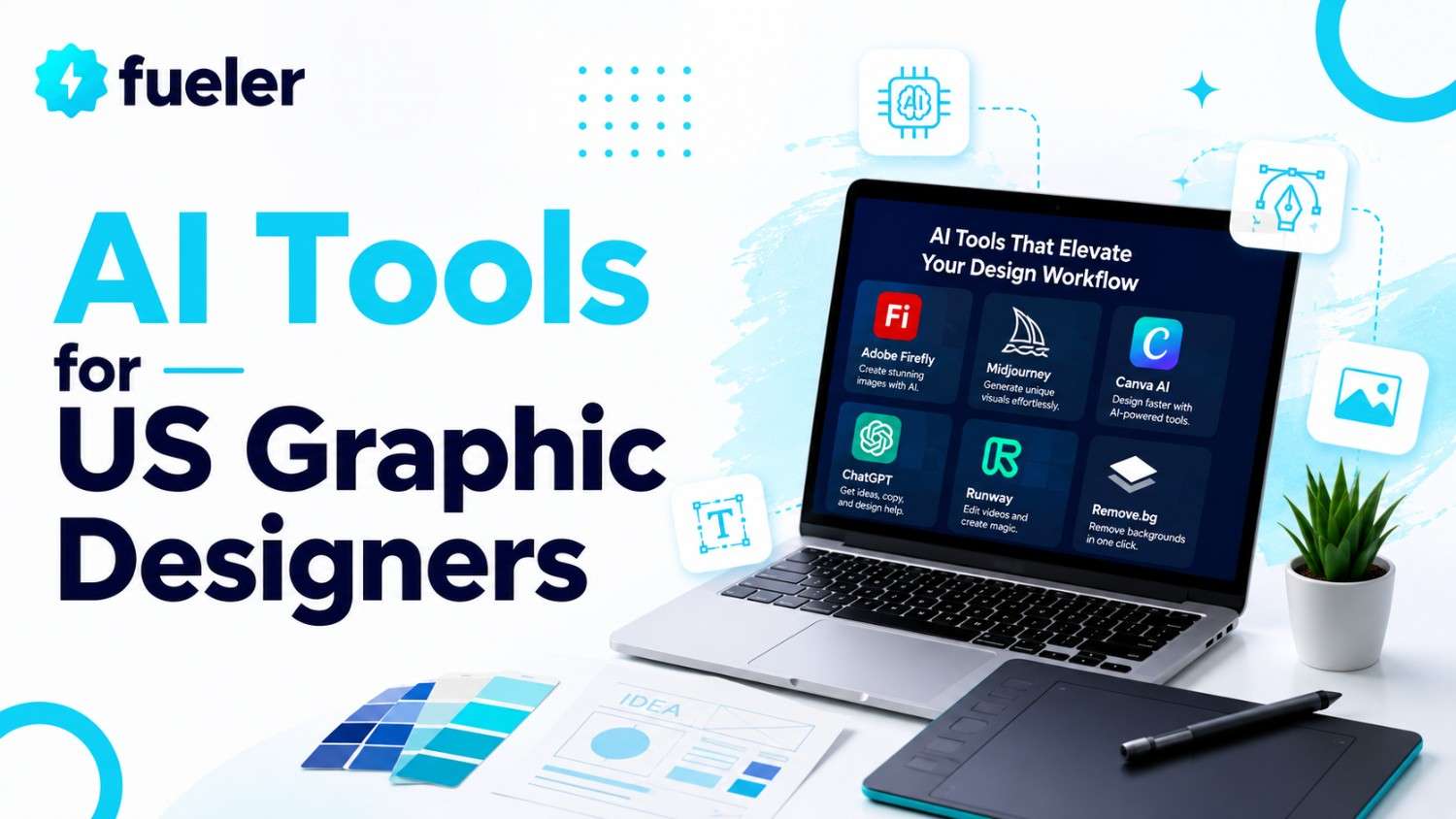
You Won’t Believe How AI Is Transforming Graphic Design
Ready to seriously accelerate your design workflow? Imagine handing off your routine edits, moodboards, and even logo concepts to AI while you focus on your boldest creative ideas. It’s not science fiction anymore, it’s the new toolbox of every standout US design freelancer, agency creative, and ambitious portfolio builder. In 2025, knowing the right AI tools makes the difference between flat, forgettable work and jaw-dropping, client-winning visuals. Let’s talk about the real game-changers shaping what it means to create as a designer today.
I’m Riten, founder of Fueler - a skills-first portfolio platform that connects talented individuals with companies through assignments, portfolios, and projects, not just resumes/CVs. Think Dribbble/Behance for work samples + AngelList for hiring infrastructure
1. Figma’s AI-Powered Tools
Designers in the US lean heavily on Figma’s evolving AI suite, using it for instant mockup generation, automatic color palette matching, and smart content suggestions. What started as just a powerful collaboration space now lets you sketch ideas and have AI fill in concepts, icons, and even copy. With Figma, you’re not just editing shapes, you’re prototyping smarter, faster, and with more confidence.
- Generates UI elements and icons straight from basic prompts, letting you skip tedious groundwork and jump to refinement.
- Automatic color harmony suggestions remove hours spent on palette hunting, making brand consistency effortless.
- Real-time AI feedback helps improve accessibility, guiding you to higher quality, more inclusive designs.
- Advanced image to wireframe conversion means you can scan sketches and instantly get editable digital layouts.
- Team templates evolve using machine learning, so your creative workflow keeps getting smarter with each project.
- Pricing: Core Figma features remain free for individuals, Pro starts at $12/month per editor, AI add-ons are in beta, often included for trial users.
Why it matters: These features unlock more time for creative thinking, allowing designers to push boundaries. Using Figma’s AI tools supports a culture of continuous improvement and helps professionals keep portfolios fresh for client or employer review.
2. Canva’s Magic Media and AI Suite
Canva is known for its drag-and-drop simplicity, but its 2025 AI-powered tools go deeper. Magic Media helps anyone create, enhance, or remix images, videos, and even simple animations, with prompts or uploaded assets as the starting point. AI in Canva democratizes branding, making design accessible, fast, and always unique, no more getting stuck with uninspired, generic results.
- Instantly create on-brand marketing graphics by describing a vibe, goal, or color scheme; Canva’s AI builds everything from banners to pitch deck slides.
- Magic Animate breathes life into posts and ads, suggesting transitions and effects that actually match your content’s mood.
- Brand kits keep your fonts, colors, and logos at your fingertips, and AI learns your style for next time.
- Text to Image lets you experiment with anything from stock-like photos to surreal art in seconds.
- Pricing: Free core plan, Pro at $14.99/month with AI features included, Enterprise tier for managed brand assets.
Why it matters: Canva’s focus on beginners and pros alike means freelance designers can scale up quality and productivity. This lets you serve more clients, iterate faster, and show off versatile results in your portfolio.
3. Adobe Firefly and Creative Cloud AI
Adobe’s big move for 2025 is Firefly, now deeply woven into Photoshop, Illustrator, and the entire Creative Cloud. Firefly isn’t just about generating images, it enhances photo editing, creates vector art from sketches, and handles complex tasks like background swaps or upscaling with a click. Designers get creative control and consistency, while the AI helps with the heavy lifting.
- AI-powered generative fill creates, removes, or replaces objects within images, and even invents original backgrounds or details.
- Sketch to vector lets you scan drawings, with Firefly translating them into scalable graphics in seconds.
- Adobe Sensei integration helps with smart font selection, color harmonization, and even voice-guided edits.
- Batch editing is smarter: apply style, adjustment, or branding assets to hundreds of images at once.
- Pricing: Included in core Creative Cloud subscriptions, starting at $20.99/month for Photoshop, extra credits for heavy Firefly use can be purchased.
Why it matters: With these tools, designers can achieve professional-grade edits and artwork without struggling through dozens of manual steps. It levels the playing field, making big-agency quality reachable by freelancers or in-house solo creatives.
4. Designs.ai: All-in-One Creative Suite
Designs.ai provides an entire creative studio powered by AI. Graphic designers in the US use it to automate logos, banners, and even videos using a single workflow. Rather than piecemealing tasks across different apps, Designs.ai brings everything under one roof and lets AI handle the time-consuming first drafts.
- Logo and brand package generator delivers dozens of unique concepts instantly, based on just a few keywords.
- Voice generator and video tools enable designers to create explainer content, branded intros, or AI-read presentations.
- Bulk design generator creates social media kits for campaigns, perfect for agencies juggling multiple clients.
- Supports team collaboration so brand guidelines, assets, and edits stay consistent across all projects.
- Pricing: Free trial available; packages start at $29/month for more advanced branding tools and team features.
Why it matters: Designs.ai helps designers deliver value fast, especially when time or budget is tight. It’s an essential tool for growing portfolios and meeting the new expectations of creative clients.
5. Khroma’s AI Color Tool
Tired of endlessly scrolling color wheels? Khroma uses machine learning to know your style and suggests fresh, on-trend color palettes customized for your brand or project. It’s become a staple in the US design community thanks to its balance of creativity and practicality.
- Provides custom palettes based on your previous favorites or brand guidelines, so your work always stays fresh but recognizable.
- Real-world preview: See colors in logos, UI mockups, posters, or product shots instantly.
- Palette search function aids with quick experimentation, perfect for moodboards and pitches.
- Integrates well with Figma, Photoshop, and Canva, for a seamless workflow from concept to finished design.
- Pricing: Free to use with optional donations, premium features rolling out in late 2025.
Why it matters: With Khroma, you quickly find color combinations that elevate your work, speeding up client approvals and raising the overall polish of every project in your portfolio.
6. Looka: AI-Driven Logo Maker
Looka provides a focused, AI-powered logo and brand kit generator, trusted by freelancers and small agencies across the US. Its advanced engine delivers market-ready logos in minutes, with scalable assets and cohesive branding support. The end result is always client-ready—no more endless revision loops.
- Generates hundreds of variations from simple brand details and style hints you provide.
- Delivers logo files in all needed formats, from vector to transparent backgrounds and social media-ready sizes.
- Offers full brand kits: business cards, social headers, style guides, and more, instantly aligned.
- Built-in feedback tools let clients weigh in, so you update designs faster and more efficiently.
- Pricing: Logo package one-time fee starts at $20, full brand kits around $65, with free previews.
Why it matters: For designers juggling tight turnarounds or clients with small budgets, Looka is a shortcut to high-quality, memorable branding without sacrificing creative control.
7. Uizard: Quick App and Web Mockups
Uizard turbocharges the app and website prototyping process. Using sketches, screenshots, or just descriptive prompts, it generates full-featured designs that US-based freelancers or studios can tweak and finalize. For portfolio projects or client pitches, it’s a massive time-saver.
- Transforms wireframes and notes into editable digital layouts for web or mobile in under two minutes.
- AI suggests UI improvements and accessibility tweaks, optimizing for better user experiences.
- Enables real-time team feedback, making collaborative design and rapid iteration simple.
- Exports directly to Figma, Sketch, and other top design tools, keeping everything workflow-ready.
- Pricing: Free tier for basic features, Pro starts at $12/month with access to all advanced AI tools.
Why it matters: Uizard helps designers showcase a wide range of skills UI, UX, branding in one project, making your portfolio punchier and more client-friendly.
8. Fueler: Your Creative Portfolio, Simplified
Before you wrap up your project, think about how to showcase all the amazing work you’re creating, thanks to these AI tools. Fueler gives you a streamlined, assignment-first portfolio space. It isn’t just a gallery for finished design work, but a platform where your process, skills, and AI-powered evolution are featured, giving recruiters and clients a reason to reach out to you first.
Why it matters: As design becomes more collaborative and AI-focused, standing out means showing your journey, not just the final product. Fueler’s format makes sure every sample, assignment, and experiment has a place in your story.
Final Thoughts
If you’re a graphic designer in the US, the right AI tools don’t just make your work easier. They open up new ways to express your creativity, collaborate with others, and grow your business. Whether you’re looking to upgrade your process for client work, strengthen your personal brand, or experiment with the latest in technology, there’s never been a more exciting time to try out AI-driven design platforms. With tools like these and a strong portfolio to back you up you’re ready to stand out in a crowded, fast-evolving market.
FAQs
1. What are the best free AI tools for graphic designers in 2025?
Top free picks include Figma’s core features, Canva’s free plan, and Khroma for color palettes, providing essential design power at no cost.
2. How do I use AI to speed up branding projects?
Looka and Designs.ai generate logos, brand guidelines, and asset packs in minutes, allowing rapid client delivery with professional polish.
3. Can I use AI design tools for social media content?
Absolutely, Canva and Designs.ai both offer bulk social kit generators and media templates that keep content on-brand and consistent.
4. Which AI tool is best for collaborative design in teams?
Figma’s AI features and Uizard’s web app prototyping stand out for their seamless team integration and real-time feedback.
5. What portfolio site showcases AI-powered design assignments?
Fueler is the go-to platform for sharing interactive design assignments, work samples, and unique AI-driven project workflows that employers notice first.
What is Fueler Portfolio?
Fueler is a career portfolio platform that helps companies find the best talent for their organization based on their proof of work. You can create your portfolio on Fueler, thousands of freelancers around the world use Fueler to create their professional-looking portfolios and become financially independent. Discover inspiration for your portfolio
Sign up for free on Fueler or get in touch to learn more.

What should you do next?
You've read the article. Now turn your skills into proof of work and unlock more opportunities.
Build your proof of work portfolio
Create a clean portfolio with projects, assignments, resumes, and AI stack details that companies actually want to see.
Create your Fueler portfolio →Apply through assignments, not resumes
Stand out by solving real tasks from companies hiring on Fueler.
Explore assignments →Get discovered by companies
Make your work public and let recruiters discover your skills through actual projects instead of keywords.
Get discovered →
