7 Best Letterhead Maker Tools for Professional Business Documents

Riten Debnath
09 Mar, 2026
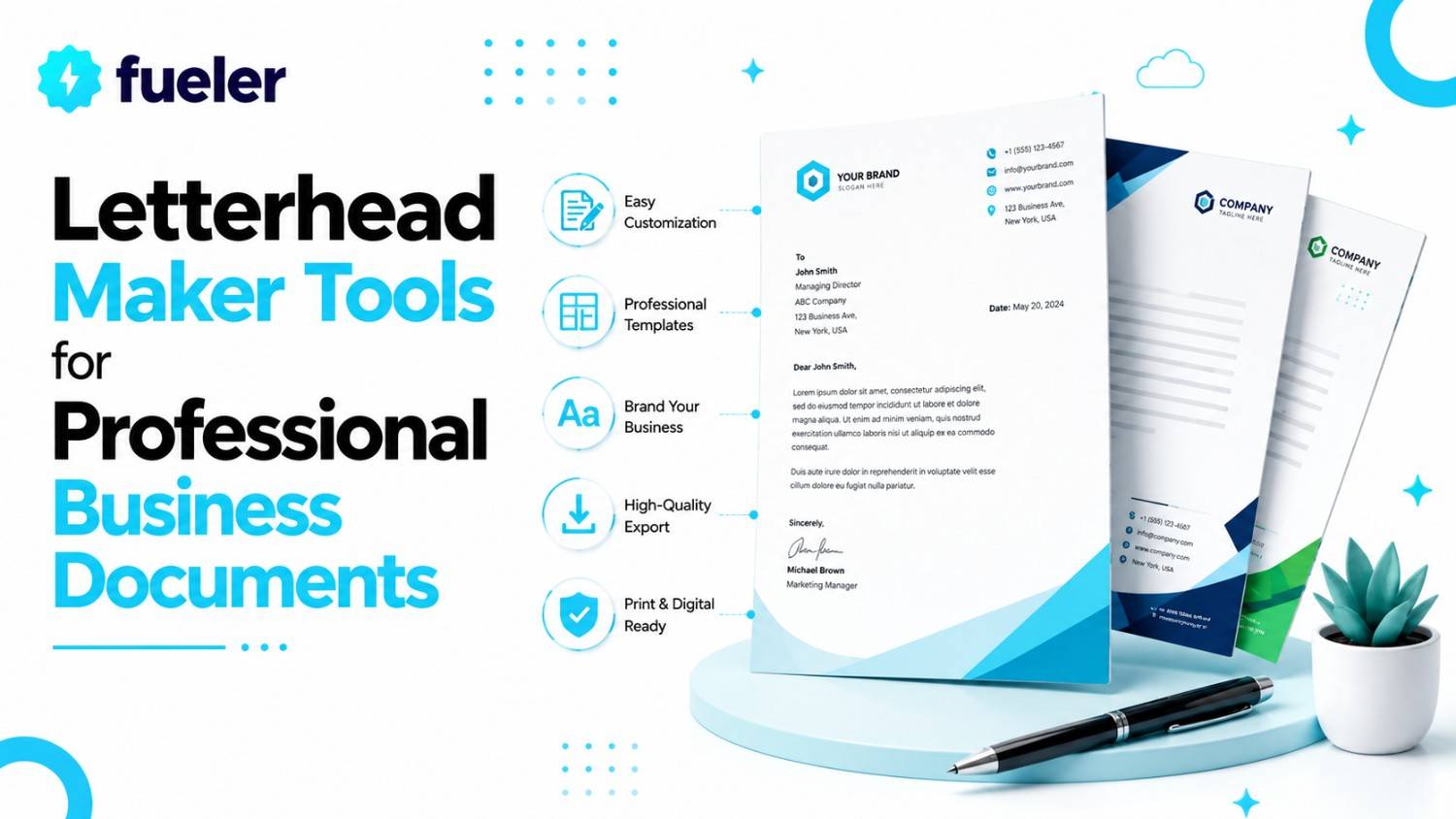
If you are still sending out official business correspondence on a plain white page with nothing but a Times New Roman header, you aren't just missing an opportunity; you're actively shouting "amateur" at every potential client who opens your mail. In the professional world, a crisp, well-designed letterhead is the difference between being taken seriously and being sent straight to the junk folder. Your letterhead is the physical (or digital) manifestation of your brand identity, acting as a silent handshake that tells the recipient you care about details.
I’m Riten, founder of Fueler, a skills-first portfolio platform that connects talented individuals with companies through assignments, portfolios, and projects, not just resumes/CVs. Think Dribbble/Behance for work samples + AngelList for hiring infrastructure.
1. Design.com
Design.com’s letterhead maker is built for businesses that care deeply about brand identity but don’t want to spend hours tweaking layouts in complicated software. The platform makes it easy to create a letterhead that actually feels aligned with your industry, visual style, and existing branding. Whether you’re building stationery for a law firm, creative agency, restaurant, consultancy, or startup, Design.com helps you create something polished, professional, and unmistakably “you” without needing a designer on standby.
- Industry-Specific Templates: Instead of forcing you to adapt generic corporate layouts, Design.com gives you access to thousands of professionally crafted letterhead templates tailored to different industries and aesthetics. You can quickly filter designs by keywords like “modern,” “minimalist,” “creative,” or “corporate,” making it easy to find layouts that already match your brand personality before you even start customizing.
- Professional Designer-Crafted Layouts: Every template is created by professional designers, which immediately gives your documents a more premium and credible appearance. The layouts feel intentional and brand-focused rather than overly templated, helping businesses create letterheads that look polished enough for proposals, contracts, invoices, and official client communication without hiring an agency.
- Deep Brand Customization: Design.com makes it simple to integrate your logo, business name, contact details, and brand colors directly into your design. The editor allows unlimited customization of fonts, layouts, shapes, and visual elements, so you can fine-tune every detail until the letterhead perfectly reflects your company identity rather than looking like a copy of someone else’s template.
- Consistent Brand Ecosystem: One standout advantage is that Design.com goes beyond letterheads alone. You can create matching business cards, email signatures, social posts, and other branded assets using the same visual style. This makes it incredibly easy to maintain a consistent identity across all customer touchpoints, which is especially valuable for growing businesses trying to build stronger brand recognition.
- Flexible Download & Print Formats: Once your design is complete, you can export it in everything from high-resolution PNG and JPG files to professional print-ready PDF and EPS formats. Whether you’re sending digital documents, printing physical stationery, or sharing branded proposals with clients, the platform gives you the right file type for every use case.
Pricing:
- Free Templates: $0 (Select templates available for free customization and download).
- Premium Plan: $3/month billed annually (Includes premium templates, logo editor, perpetual file storage, and access to 50+ design tools).
Premium Design Pack + Website: $6/month billed annually (Includes everything on premium + website creation features).
2. Adobe Express
Adobe Express is the "pro-lite" version of the Adobe ecosystem, bringing their world-class design pedigree to a simplified, user-friendly platform. It’s perfect for professionals who want that distinct "Adobe" look without having to master the steep learning curve of Illustrator or InDesign.
- Professional-Grade Assets: Because it’s backed by Adobe, you get access to a massive library of high-quality fonts and premium stock photos. These assets tend to look more polished and less "generic" than what you find on some other platforms, giving your letterhead a more sophisticated and upscale feel from the moment you start designing.
- Generative AI Tools: With integrated Firefly AI, you can use text prompts to generate unique design elements or adjust images directly in your layout. If you need a specific style or image for your background, you can simply describe it, saving you hours of searching through generic stock libraries for the "perfect" look that doesn't actually exist.
- Easy Brand Management: You can create and save "Brand Kits," which store your logos, primary fonts, and color palettes. Whenever you open a new document, your brand assets are right there in the sidebar, making it incredibly fast to keep all your business documents aligned without manually re-entering your brand details every single time you start a new letter.
- Cross-Platform Syncing: Since Adobe Express works seamlessly on both web browsers and mobile apps, you can start a design at your desk and make final tweaks on your phone while commuting or between meetings. This flexibility ensures you are never tethered to one machine when you need to send out a quick, branded document to a client.
- Integration with Creative Cloud: If you are already using Photoshop or Illustrator, you can easily import your existing assets directly into Express. This is a game-changer for businesses that have already invested in a custom logo or brand identity, as it bridges the gap between high-end professional design tools and the convenience of quick, everyday document creation.
Pricing:
- Free Plan: $0 (Basic editing tools and limited AI credits).
- Premium Plan: $9.99/month (or $99.99/year).
- Team Plan: $9.99/user/month (12-month minimum).
3. Visme
Visme is designed for data-heavy professionals who need their documents to look as good as their numbers. It’s less of a general design tool and more of a "document powerhouse," making it the ideal choice for consultants, analysts, and anyone who needs to present information alongside their correspondence.
- Data Visualization Focus: If your letterhead needs to occasionally feature a chart, a small graph, or an infographic element to support your letter, Visme is unmatched. It allows you to build sophisticated data visualizations that look clean and professional, ensuring that your document is both visually appealing and highly informative for the reader.
- Interactive Content: You aren't just limited to static PDFs; Visme allows you to create interactive documents where you can embed links, hover-over text, or even short video snippets. This can be a very powerful way to differentiate your business letters if you are sending digital-only correspondence to tech-forward clients who value a modern, interactive experience.
- Document Management: Visme makes it easy to organize, store, and share your designs within a secure dashboard. You can track who has viewed your documents and keep everything in one place, which is a massive help for agencies or consultants who are managing a high volume of client outreach and need to keep their files clean and accessible.
- Robust Template Library: While it excels in data, it also offers a wide array of classic business letterhead templates. These are designed to be clean, distraction-free, and high-impact. They focus on professional aesthetics that lean more toward corporate and formal industries, making them great for law firms, finance consultants, and B2B service providers.
- Collaboration & Roles: The team-focused features allow you to define user roles such as Admin, Editor, or Viewerwhich is crucial for large organizations. This prevents unauthorized users from accidentally altering your master letterhead template while allowing your marketing team to collaborate on new designs, ensuring safety and compliance across your entire document ecosystem.
Pricing:
- Free Plan: $0 (Limited features, Visme branding included).
- Starter Plan: $29/month or $12.25/month (billed annually).
- Pro Plan: $59/month or $24.75/month (billed annually).
4. Venngage
Venngage is a specialized tool that focuses heavily on "business communication." It isn't trying to be a social media photo editor; it’s built specifically to help people create clear, professional documents that communicate information effectively, making it a favorite for HR departments, nonprofits, and corporate managers.
- Focus on Readability: The design logic in Venngage prioritizes content clarity. Their letterhead templates are structured to make your text the star of the show while providing just the right amount of professional "frame" through header and footer design, ensuring your message is always readable and impactful.
- Easy Brand Kit Automation: Venngage’s "Auto-Brand" feature is a standout. You can upload your company URL, and the tool will automatically scrape your website to pull your logo and colors, applying them to your designs instantly. This is a massive time-saver for businesses that are just starting to formalize their branding and need to get a professional look running in seconds.
- AI Design Assistant: Their AI generator allows you to create a letterhead by inputting basic company information, and the tool will suggest a layout that matches your industry and goals. It’s perfect for the "I don't have time to design" crowd, providing a solid, high-quality base that you can quickly tweak before sending it out.
- PDF & PowerPoint Exporting: Since professional documents often need to be shared in formats other than just a flat image, Venngage offers excellent export options. You can easily download your letterhead as a high-resolution PDF or even a PPTX file, which is incredibly useful for combining your letterhead branding with presentation decks.
- Support for Non-Designers: The entire platform is built with a low barrier to entry. They offer extensive tutorials, a very helpful support team, and a workflow that keeps you from ever needing to understand layers, complex masking, or other "designer" terminology. It feels like working in a word processor that just happens to be capable of high-end graphical output.
Pricing:
- Free Plan: $0 (Basic templates, limited to 5 designs).
- Premium Plan: $19/month ( billed monthly) or ~$10/month (billed annually).
- Business Plan: $49/month (billed monthly) or ~$24/month (billed annually).
5. Marq (formerly Lucidpress)
Marq is a sophisticated brand management platform that goes far beyond a simple "maker" tool. It’s meant for businesses that have strict brand guidelines and need to ensure that absolutely nothing goes out the door that doesn't perfectly match the company’s style. It is the enterprise choice for keeping your brand in check.
- Advanced Template Locking: This is the killer feature for larger businesses. You can create a template and "lock" specific elements, meaning an employee can change the name, address, or body text, but they cannot move the logo or change the font colors. This is the only real way to ensure that your brand stays consistent when you have 50 or 500 employees.
- Brand Compliance: Marq tracks your brand assets and ensures every user is only using approved fonts, colors, and logos. It acts as a digital gatekeeper, protecting you from the "rogue employee" who might decide that bright neon green looks great on a corporate letterhead, effectively guaranteeing that your brand reputation is never undermined by poor design.
- Direct Mail Integration: One of the most convenient features is the ability to send your designs directly to a printer without ever leaving the Marq interface. This is perfect for offices that need to print physical letterheads in bulk, as it bridges the gap between the digital design file and the physical, high-quality end product, saving significant time.
- Version History: If someone does make a change you don't like, Marq tracks every edit made to a document. You can easily roll back to a previous version of your letterhead at any time, giving you total peace of mind and complete control over your assets, regardless of how many people are accessing the files.
- Scalable Collaboration: Because it’s built for brand management, the collaboration tools are incredibly robust. You can have hundreds of users, multiple teams, and various levels of access, making it the most scalable solution on this list for businesses that need to manage a complex internal document workflow while keeping everything perfectly on-brand.
Pricing:
- Free Plan: Available (Basic features, limited templates).
- Pro Plan: Starts at ~$3/month (for single users).
- Team Plan: Starts at ~$12/month per user (for team features).
6. Desygner
Desygner is a versatile, mobile-first design platform that offers a rare mix of simplicity and professional-grade control. It’s perfect for freelancers, small business owners, and remote teams who need to create professional-looking documents on the go without sacrificing the quality of their work.
- Mobile App Excellence: Unlike many design tools that make mobile editing feel like a chore, Desygner’s apps for iOS and Android are remarkably powerful and synced perfectly with the web platform. If you’re at a conference and need to print a letter or email a contract, you can finalize your professional letterhead right from your phone.
- PDF Editing Capabilities: Desygner isn't just about creating from scratch; it also has strong PDF editing features. If you have an old letterhead template in PDF format, you can import it, edit the text, swap the logo, and re-export it as a fresh design, which is a huge benefit for small businesses that don't want to throw away years of old document files.
- Royalty-Free Assets: The platform provides access to a huge library of royalty-free stock images and icons, meaning you don’t have to pay extra fees to use beautiful visuals in your branding. You can create a distinct, modern look without worrying about licensing issues, making it a budget-friendly option for early-stage startups and creative freelancers.
- Collaborative Tools: Desygner Pro+ allows you to invite team members to collaborate on your projects. This makes it easy to work with a freelancer or an assistant on your business documents, providing a shared space where everyone can access the latest approved versions of your stationery, logos, and fonts, reducing email clutter and version confusion.
- User-Friendly Interface: The interface is clean and doesn't get in the way. It’s built for people who want to be fastyou can duplicate your designs, resize them, and share them with just a few clicks. If you have a busy day, this is the tool that lets you get your document design done in the smallest possible window of time.
Pricing:
- Free Plan: $0 (Free for everyone, access to basic library).
- Pro+ Plan: ~$9.95/month (or ~$4.95/month when billed annually).
- Business Plan: Starts at ~$29.95/month for a team of 6 users.
7. Canva
Canva remains the undisputed heavyweight champion of accessible design. It’s the tool most people turn to first, and for good reason: it’s incredibly intuitive and offers a massive library of templates that look like they were designed by an agency. Whether you’re a solopreneur or running a growing startup, Canva makes it impossible to fail at design.
- Massive Template Library: Access thousands of pre-designed letterhead layouts, ranging from minimalist corporate styles to bold, artistic branding. You can filter by industry, color, and style, ensuring you find a starting point that aligns perfectly with your brand’s voice without needing to start from scratch or hire a designer.
- Drag-and-Drop Editor: The interface is built for speed. You can easily swap out fonts, adjust colors, and upload your high-resolution logo with a few simple clicks. If you can use a mouse, you can design a high-quality letterhead in under ten minutes, allowing you to focus on the content of your letter rather than the technical struggle of design.
- Collaboration Tools: If you’re working with a team, you can share an editable link, allowing colleagues to jump in, provide feedback, or make minor adjustments to the design. This makes managing brand consistency across your entire organization remarkably easy, as you can create a master template and ensure no one is using an outdated or unbranded version.
- Flexible Export & Print: Once your design is finished, you have full control. You can save your work as a high-quality PDF for professional printing, or download it as a PNG/JPG for digital correspondence. Canva also offers built-in printing services if you want to order physical, branded stationery directly to your office door, saving you the hassle of finding a local print shop.
- Brand Kit Integration: For business users, you can upload your specific brand colors, fonts, and logos once, and they will be available to you on every project. This ensures that every document, from letterheads to invoices, maintains a uniform appearance, which is essential for building long-term recognition and trust with your clients and partners.
Pricing:
- Free Plan: $0 (Includes thousands of templates and free design elements).
- Pro Plan: ~$15.00/month (billed monthly) or ~$12.50/month (billed annually).
- Enterprise Plan: Custom pricing for large organizations.
Showcase Your Skills on Fueler
Once you have your letterhead designed and your business documents looking sharp, you have successfully set the stage for your professional reputation. But remember, a letterhead is just the container; your Fueler portfolio is the substance. At Fueler, we help you showcase the proof of your work, the actual projects, case studies, and creative samples that prove you’re the best at what you do. Whether you’re a consultant submitting a proposal with your new letterhead or a freelancer sending a contract, link your Fueler profile to turn that document into a compelling reason for your next client to hire you.
Frequently Asked Questions
1. Is it worth paying for a letterhead maker?
If your business depends on sending formal proposals, contracts, or client outreach, yes. Free versions are fine for quick fixes, but paid plans often include brand kits, team collaboration, and higher-quality assets that will actually help you build a cohesive, recognizable brand.
2. Can I use my letterhead design in Microsoft Word?
Absolutely. Most of these tools allow you to export your final design as a high-quality image (JPG or PNG) or PDF, which you can then set as the header/footer background in Microsoft Word or Google Docs for your daily document processing.
3. What should actually be on a business letterhead?
Keep it clean. Your company logo, your full contact details (address, phone number, website), and your social media handles (if relevant). Avoid adding too much clutter; the goal is to make the body of your letter easy to read, not to show off every piece of information you have.
4. Should I print my own letterheads or order them?
If you have a high-quality office printer and thick, textured paper, printing your own is fine. However, ordering through a service (like Canva or a local print shop) using professional paper stock will always look and feel significantly more premium for high-stakes business correspondence.
5. How often should I redesign my letterhead?
You should only redesign it if your core branding changes (new logo, new colors, or a complete brand pivot). Consistency is key to building trust. You want your clients to recognize your document the second it hits their desk, without even needing to look at the name.
What is Fueler Portfolio?
Fueler is a career portfolio platform that helps companies find the best talent for their organization based on their proof of work. You can create your portfolio on Fueler. Thousands of freelancers around the world use Fueler to create their professional-looking portfolios and become financially independent. Discover inspiration for your portfolio
Sign up for free on Fueler or get in touch to learn more.

What should you do next?
You've read the article. Now turn your skills into proof of work and unlock more opportunities.
Build your proof of work portfolio
Create a clean portfolio with projects, assignments, resumes, and AI stack details that companies actually want to see.
Create your Fueler portfolio →Apply through assignments, not resumes
Stand out by solving real tasks from companies hiring on Fueler.
Explore assignments →Get discovered by companies
Make your work public and let recruiters discover your skills through actual projects instead of keywords.
Get discovered →
