From Video Editing to Freelancing: The Tharun Speaks Learning Path Explained

Riten Debnath
11 Aug, 2026
Last updated: August 2026
Over the last few years, I have spoken with thousands of young creators, college students, and self-taught professionals trying to make it in the digital economy. The biggest challenge they face is not a lack of effort. It is a lack of direction. Most people start learning skills like video editing, graphic design, or content creation, but they get stuck when it comes to turning those skills into a sustainable income.
I’m Riten, founder of Fueler, a skills-first portfolio platform building the career infrastructure for 100 million creative professionals. Fueler connects talented individuals with companies through assignments, portfolios, and projects, not just resumes or CVs. Think of it as Dribbble/Behance for work samples combined with AngelList for hiring infrastructure.
Having built Fueler and observed the journeys of thousands of freelancers, I noticed a distinct framework popularized by digital creator Tharun Naik (Tharun Speaks). His approach maps out a realistic trajectory for moving from basic technical skills to high-paying client work. Understanding this learning path gives you a clear blueprint for transitioning from a beginner video editor to a high-earning freelancer.
Quick Answer Summary
- Definition: A 6 to 8-week structured learning roadmap that transitions beginners from software mechanics to landing high-paying freelance clients.
- Who it is for: College students, fresh graduates, and self-taught creators looking to build a sustainable online freelance business.
- Cost: Ranges from free self-study models up to ₹4,999 (Essential), ₹6,999 (Elite), or ₹14,999 (Ultimate) for cohort programs with mentorship.
- Key takeaway: Technical editing skills only make up 30% of your success; 70% relies on understanding viewer retention, portfolio packaging, and client acquisition.
- Best suited for: Action-oriented individuals who prefer building a proof-of-work portfolio over collecting static degrees or resumes.
What is the Tharun Speaks Video Editing Cohort?
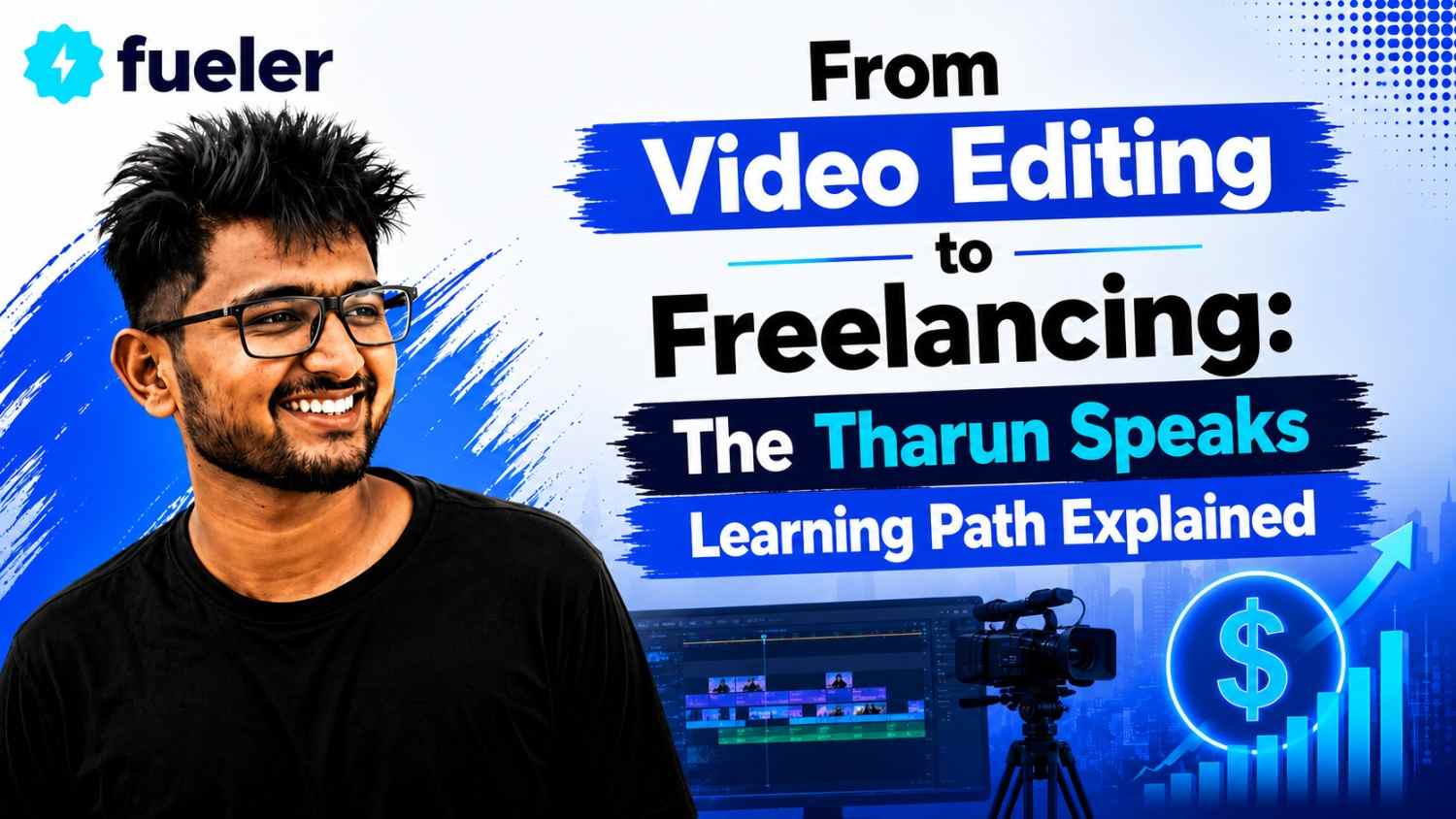
The Tharun Speaks video editing cohort is a practical, execution-first learning roadmap created by content creator Tharun Naik. It guides absolute beginners through the process of mastering video software, understanding narrative psychology, and converting those technical capabilities into monthly freelance retainers.
Unlike conventional computer courses that focus on memorizing menu options and software buttons, this framework focuses on real-world market demands. It teaches you how video creators, startup founders, and digital brands capture human attention on screens.
The framework shifts your perspective from being a simple software operator to a strategic growth partner. Instead of cutting clips randomly, you learn how sound design, pacing, kinetic text, and retention mechanics drive real business metrics like watch time and conversions.
This shift is crucial because clients rarely buy "video editing". They buy audience engagement, brand authority, and increased sales. By mastering both the software mechanics and the client acquisition process, you position yourself far ahead of typical freelancers who rely on cheap gig platforms.
Key Facts Table
Detailed Explanation
To understand why this roadmap works so effectively for modern freelancers, we need to break down its core pillars into individual components.
Software Mastery and Workspace Efficiency
The curriculum begins by tackling software overload. Many aspiring editors open Adobe Premiere Pro, get intimidated by hundreds of panels and tracks, and quit before making their first cut. The program breaks down workspace management, teaching you how to configure your timeline, organize raw footage, use custom keyboard shortcuts, and set up project files efficiently.
The module covers critical technical fundamentals that self-taught editors often ignore, including video resolutions (1080p, 4K), aspect ratios, frame rates (24fps, 30fps, 60fps), and metadata. Knowing how to organize project bins and proxy files prevents software crashes when handling heavy footage. Efficiency is what allows a professional editor to deliver multiple polished edits a day instead of spending days on one.
Narrative Editing and Motion Graphics
Cutting out silences is simple, but keeping a viewer engaged for ten minutes requires an understanding of narrative pacing. The roadmap covers assembling clips, using J-cuts and L-cuts, masking, text styling, keyframe animation, and transition dynamics.
Once basic timeline flow is mastered in Premiere Pro, the training integrates Adobe After Effects for motion graphics. You learn how to build custom lower thirds, kinetic typography, animated callouts, and screen overlays. When an educational video accompanied by dynamic text and visual transitions holds audience attention, viewer retention spikes.
Sound Design and Color Grading
Visuals attract initial attention, but poor audio makes viewers click away instantly. A major highlight of the curriculum is its deep focus on audio engineering and sound design. You learn voiceover equalization (EQ), background noise reduction, audio compression, and vocal clarity enhancements.
The course guides you on layering sound effects like swooshes, subtle hits, risers, and ambient textures to create a cinematic feel. In addition to audio, you learn color correction and color grading using Premiere Pro and DaVinci Resolve. You fix exposure errors, match skin tones across different camera takes, and apply Look-Up Tables (LUTs) to give flat camera footage a rich look.
Short-Form Content and AI Integration
Vertical content on Instagram Reels, YouTube Shorts, and TikTok requires a different approach than horizontal videos. The first three seconds dictate whether a user scrolls past or stays to watch. You learn how to write visual hooks, design auto-captions, add fast-paced cutaways, and create seamless loops.
Furthermore, the path addresses AI tools in modern video editing. Rather than treating AI as a threat, you learn to leverage tools for auto-reframing, AI voice enhancement, automated transcriptions, and generative fills. This allows you to work faster and focus creative energy on high-level storytelling.
Building a Public Proof-of-Work Portfolio
Sending prospective clients zip files, messy Google Drive links, or huge attachments is the fastest way to get ignored. Busy creators and founders do not have time to download heavy media files or hunt through disorganized folders.
The roadmap insists on organizing your assignments, personal projects, and before-and-after cuts into a clean online showcase. This is where a platform like Fueler fits naturally into your workflow. By publishing your work samples, project briefs, and raw timeline breakdowns on Fueler, you create a professional link that opens instantly on any device. A clean proof-of-work link eliminates friction, proves your capabilities immediately, and builds instant trust before you hop on a discovery call.
How It Works
The Tharun Speaks learning path follows a logical, sequential workflow:
- Master Software Mechanics and Speed Shortcuts: Set up your editing workspace in Adobe Premiere Pro. Learn timeline track management (V1, V2, V3 for video layers and A1, A2, A3 for audio layers), frame rates, and keyboard shortcuts to double your editing speed.
- Apply Pacing and Audio Layering: Take raw talking-head footage and remove dead air. Clean up the primary voiceover track, import background music, and layer subtle sound effects (risers, whooshes) to build continuous momentum.
- Incorporate Motion Graphics and Kinetic Typography: Use Adobe After Effects to design clean visual overlays, animated lower thirds, and dynamic captions for vertical video formats like Reels and Shorts.
- Refine Exposure and Color Balance: Transition footage into DaVinci Resolve or Premiere Pro’s Lumetri panel to fix white balance, correct exposure errors, and match skin tones across shots.
- Package Your Output on Fueler: Upload your finished edits alongside brief write-ups detailing the creative problem you solved. Publishing this on Fueler gives you a clean, shareable proof-of-work showcase.
- Execute Value-First Outbound Outreach: Identify mid-sized YouTube channels, agencies, or funded startups. Record short personalized video breakdowns showing how you can improve their current retention, and attach your Fueler portfolio link to secure discovery calls.
Benefits
Following this practical, execution-first framework offers clear career benefits:
- Faster Path to Monetization: Eliminates months of random tutorial watching by focusing only on the skills clients pay for right now.
- Higher Pricing Power: Positioning yourself around retention psychology lets you charge per-project or monthly retainer fees instead of racing to the bottom on cheap gig sites.
- Reusable Assets and Templates: Learning how to build custom graphics templates and organized project workflows cuts your editing time in half over time.
- Stronger Outreach Conversions: Presenting your projects through a published proof-of-work portfolio makes your pitches look professional and credible.
- Predictable Income Pipeline: Cold outreach combined with retainer pricing transforms irregular freelance work into a reliable monthly income.
Challenges / Limitations
While this roadmap provides a solid blueprint, it is not a magic shortcut. Understanding its limitations will save you time and frustration:
- High Initial Learning Curve: Mastering professional tools like Adobe Premiere Pro, After Effects, and DaVinci Resolve requires patience and dedicated daily practice.
- Demanding Outreach Volume: Client acquisition requires discipline. Sending just two or three messages a week will not yield results; you must consistently reach out to prospects with value-first pitches.
- Hardware Requirements: Video editing and motion graphics demand a decent computer with sufficient RAM and processor power, which can be an upfront barrier for some beginners.
- Requires Constant Adaptation: Social media video trends, algorithm preferences, and visual styles change rapidly; you must continuously update your skills and portfolio.
Comparison Table
Fees / Cost
The financial investment for this learning path depends on your preferred learning style:
- Self-Study Option (Free): You can learn the core technical skills using open YouTube tutorials, free raw footage packs, and personal practice projects.
- Cohort Program Options: For structured mentorship, live feedback, and assignment reviews, Tharun Speaks offers cohort tiers:
- Essential Track (₹4,999): Covers self-paced core modules, 2 weekly live classes, and community access.
- Elite Track (₹6,999): Adds dedicated mentor reviews, weekly social media masterclasses, edit battles, and a ₹5,000 asset pack.
- Ultimate Track (₹14,999): Includes personal learning managers, private group access with Tharun, ₹10,000 asset packs, and placement support up to ₹30,000/month.
- Platform & Portfolio Tools: Creating your public proof-of-work portfolio on Fueler is free, making it easy to display your work samples professionally without extra overhead.
Career Opportunities
Mastering this end-to-end framework opens up multiple career directions across the digital economy:
- Short-Form Content Specialist: Focuses on high-retention Reels, YouTube Shorts, and TikTok ads for brands and creators. Freelancers charge ₹15,000 to ₹40,000 per monthly retainer.
- Dedicated Creator Team Editor: Works full-time with top YouTubers, handling long-form storytelling, sound design, and retention cuts. Salaries range from ₹4 LPA to ₹9 LPA.
- Motion Graphics Artist: Focuses on After Effects animations, kinetic text, and visual overlays. Salaries range from ₹5 LPA to ₹12 LPA.
- Growth Video Marketer: Edits performance marketing ads and product videos for startups and brands. Salaries range from ₹6 LPA to ₹14 LPA.
Who Should Choose This?
This learning path is ideal if you:
- Want to build a high-income skill using your laptop without relying on traditional academic degrees.
- Are a college student or fresh graduate seeking flexible, remote earning opportunities.
- Want to transition from basic video cutting to high-paying client work.
- Prefer building real proof-of-work projects over collecting theoretical course certificates.
- Are willing to invest time into learning client acquisition, cold pitching, and professional communication.
Who Should Avoid This?
This framework may not be the right fit if you:
- Are looking for a get-rich-quick scheme without putting in hours of focused editing practice.
- Expect clients to find you automatically without doing outreach or building a public portfolio.
- Dislike continuous feedback, editing iterations, or making creative adjustments based on client needs.
- Only want to learn video editing purely as a passive hobby rather than a commercial business service.
Final Thoughts
The digital economy does not reward credentials or certificates; it rewards execution and visible proof of work. The reason so many beginner editors remain stuck making nominal fees on gig sites is that they treat video editing as a simple software task.
When you follow the Tharun Speaks learning path, you combine technical editing with storytelling, audio design, and direct outreach. You stop pitching yourself as just an editor and start operating as a growth partner who brings real value to creators and brands.
If you put in the time to master these skills, package your work cleanly on a platform like Fueler, and reach out to prospective clients consistently, you can turn video editing into a thriving freelance business.
Key Takeaways
- Technical software knowledge only accounts for 30% of freelance success; retention strategy drives the remaining 70%.
- Audio engineering, sound effects layering, and vocal clarity are just as critical as visual cuts.
- Positioning yourself as a retention engineer allows you to charge premium retainer rates.
- Organized, public proof of work on platforms like Fueler converts cold prospects into paying clients faster than Google Drive links.
- Value-first pitching and personalized video audits are key to securing monthly client retainers.
FAQs
What is the Tharun Speaks video editing learning path?
It is a structured roadmap created by Tharun Naik that teaches video editing, retention psychology, motion graphics, sound design, and client acquisition to help beginners build a freelance business.
How long does it take to learn video editing using this method?
Most students build core editing competency within 6 to 8 weeks of daily practice and begin pitching clients shortly after building their proof-of-work portfolio.
Which software is taught in the Tharun Speaks cohort?
The curriculum primarily covers Adobe Premiere Pro for editing, Adobe After Effects for motion graphics, DaVinci Resolve for color grading, and modern AI editing tools.
How do I showcase my video editing work to prospective clients?
Avoid sending heavy video attachments or messy Drive folders. Instead, organize your assignments, raw edits, and project write-ups into a published proof-of-work portfolio on Fueler.
Can I get video editing clients without prior work experience?
Yes. By creating practice edits from raw footage, fixing viewer drop-off points, and showcasing those samples on Fueler, you can pitch creators directly using personalized video audits.
Why 100,000+ professionals use Fueler
Fueler helps professionals showcase proof of work through projects, assignments, case studies, and achievements.
- Thousands of professionals use Fueler to create their digital portfolio
- Thousands of projects are published on Fueler. Check here
- Startups and Companies hire through proof of work on Fueler
- Used by freelancers, creators, marketers, video editors, writers, designers, and product managers
Our mission is to help the next 100 million professionals build a verified professional identity through proof of work

What should you do next?
You've read the article. Now turn your skills into proof of work and unlock more opportunities.
Build your proof of work portfolio
Create a clean portfolio with projects, assignments, resumes, and AI stack details that companies actually want to see.
Create your Fueler portfolio →Apply through assignments, not resumes
Stand out by solving real tasks from companies hiring on Fueler.
Explore assignments →Get discovered by companies
Make your work public and let recruiters discover your skills through actual projects instead of keywords.
Get discovered →
