How Tharun Speaks Teaches Adobe After Effects and Motion Graphics

Riten Debnath
10 Aug, 2026
Last updated: August 2026
When I look at how the creative ecosystem is evolving today, one thing becomes crystal clear: static designs are no longer enough to command attention. Whether you are scrolling through Instagram, watching a product launch, or checking out a new landing page, movement is what stops the scroll. That brings me to an interesting shift in how motion graphics is actually taught.
I’m Riten, founder of Fueler, a skills-first portfolio platform building the career infrastructure for 100 million creative professionals. Fueler connects talented individuals with companies through assignments, portfolios, and projects, not just resumes or CVs. Think of it as Dribbble/Behance for work samples combined with AngelList for hiring infrastructure.
Working closely with thousands of designers, video editors, and animators has given me a front-row seat to what works in creative education and what falls flat.
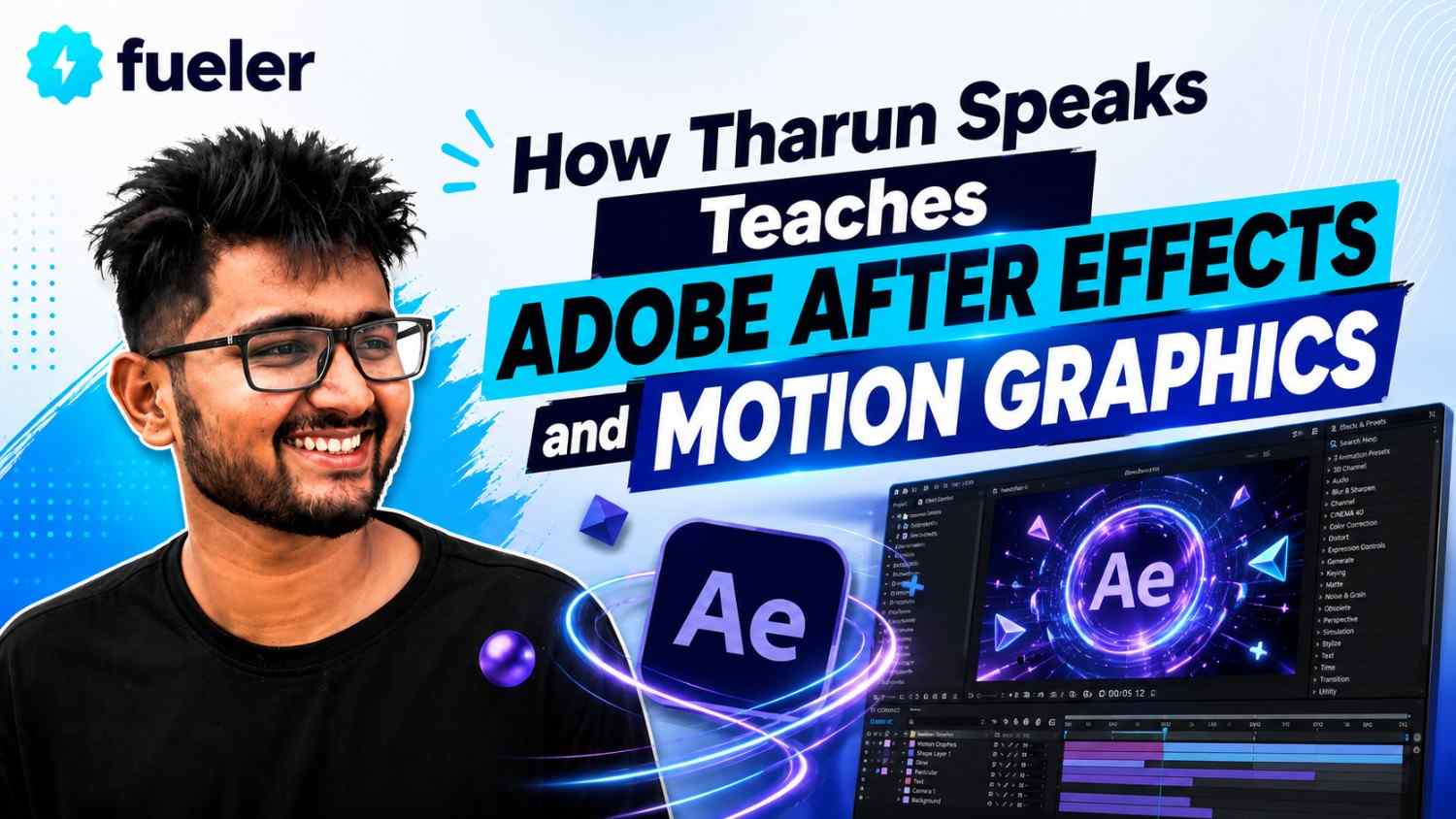
Traditional courses often teach software buttons rather than visual storytelling, which leaves students overwhelmed by complex interfaces. Tharun Speaks takes a distinctly practical approach to teaching Adobe After Effects and motion graphics by pairing technical mastery with real-world application. In this breakdown, we will analyze his teaching methodology, course structure, target audience, and whether this learning path makes sense for your creative career.
Quick Answer Summary
- What It Is: A project-based learning model focused on mastering Adobe After Effects, visual effects, visual storytelling, and motion design principles.
- Who It Is For: Students, beginners, YouTube creators, and video editors looking to level up their motion graphics skills.
- Core Teaching Style: Real-world project execution over boring, theoretical menu tutorials.
- Primary Tools Covered: Adobe After Effects, Photoshop, Illustrator, and essential motion graphics plugins.
- Key Outcome: A client-ready portfolio built using practical assignments rather than basic exercises.
- Best Suited For: Self-motivated learners who want to build a high-income creative skill without spending years in a traditional art school.
What is the Tharun Speaks Motion Graphics Method?
The Tharun Speaks motion graphics method is a modern, execution-focused approach to learning animation and visual effects using Adobe After Effects. Instead of teaching tool by tool, it focuses on building actual projects from day one.
To understand why this approach works, you have to look at how traditional visual design education operates. Most online courses start by explaining every single button, dropdown menu, and panel inside Adobe After Effects. While that sounds thorough, it is actually the fastest way to bore a beginner to tears. You end up spending three weeks learning what the "Graph Editor" does in theory, without ever creating a single animated clip.
Tharun Speaks flips this upside down. His approach drops you straight into the deep end—in a good way. You start with a clear, engaging visual goal, like recreating a viral motion graphic cut or an animated text intro. As you build that project, you naturally learn the required tools, keyframes, shortcuts, and effects on the fly.
This method matters because it directly mirrors how professional motion designers work in real life. When a client hires you to animate a logo or build kinetic typography for an ad, they do not care if you know what every obscure button does. They care about whether you can deliver an asset that catches eyes and keeps viewers watching. By focusing on story-driven visual pacing, sound design integration, and workflow speed, this method transforms absolute beginners into confident, job-ready creators.
Key Facts Table
Detailed Explanation
1. Unlocking After Effects Without the Panic
Opening Adobe After Effects for the first time can feel like sitting in the cockpit of a commercial airplane. There are panels everywhere, hundreds of menu options, and timelines that look far too complex for comfort. Most beginners freeze up right here.
Tharun solves this by stripping away the fluff. He configures the workspace so you only see the tools you actually need for your immediate project. Instead of memorizing abstract terminology, you learn core mechanics like keyframing, spatial easing, and motion blur through simple, digestible exercises. By demystifying the timeline early on, students build momentum fast instead of feeling stupid or overwhelmed.
2. Kinetic Typography and Visual Pacing
Text on a screen can either be incredibly boring or deeply captivating. In the age of short-form video on YouTube Shorts, Reels, and TikTok, kinetic typography—animated text—is one of the most in-demand motion graphic skills on the market.
The curriculum breaks down exactly how to make text dance, pop, and flow naturally across the screen. You do not just learn how to make text move from left to right. You learn easing curves, elastic bounces, tracking adjustments, and sound-effect synchronization. This is what gives motion graphics that snappy, professional "viral" feel that top-tier YouTube creators and brands pay big money for.
3. Masking, Rotoscoping, and Visual Effects
Want to place giant animated text behind a person walking through a scene? Or maybe cut an object out of a frame and fly it across the screen? That requires masking and rotoscoping—two techniques that usually scare beginners away.
Instead of presenting rotoscoping as a painful frame-by-frame chore, Tharun teaches smart, efficient workflows. You learn how to leverage native After Effects tools and modern AI-assisted features to cut objects out quickly. This unlocks massive creative freedom, allowing you to blend real-world video footage with animated 2D graphics seamlessly.
4. Audio-Visual Synergy: The Secret Sauce
Here is a truth that most graphic designers miss: motion graphics are only as good as the audio underneath them. An animation can be technically flawless, but if the sound design is flat, the final video will feel lifeless.
A dedicated portion of the teaching goes into sound design layering. You learn how to pair visual keyframes with swooshes, pops, risers, and deep bass impacts. By matching keyframe speed curves directly to audio waveforms, you create edits that feel punchy, rhythmic, and satisfying to watch.
5. Proof of Work Over Paper Certificates
When a client or a tech startup hires a motion designer, they do not ask to see your college degree or a generic completion certificate. They ask for one thing: "Show me what you've built."
This is where the course alignment shines. Every assignment is designed to yield a tangible visual asset. When you finish the course, you do not just have theoretical knowledge; you have a collection of high-quality motion graphics samples. On platforms like Fueler, showcasing these real-world assignments and project breakdowns gives creators a massive advantage over candidates who only list software skills on a traditional resume.
How It Works: Step-by-Step
Learning motion graphics under this structure follows a clear, repeatable process designed to eliminate guesswork:
- Workspace Setup & Asset Prep: You begin by configuring Adobe After Effects for maximum rendering speed and importing assets like vector files from Illustrator or raw video clips.
- Deconstructing the Scene: Before touching a single keyframe, you break down the visual concept into layers, planning how each element will enter, interact, and exit.
- Core Animation Mechanics: You map out primary motion paths, apply keyframe easing (Easy Ease), and adjust speed graphs to ensure smooth movement.
- Adding Visual Polish: You stack secondary elements like motion blur, light leaks, glow effects, color adjustments, and drop shadows to give flat elements depth.
- Sound Layering: You import sound effects and sync visual beats directly to audio spikes on the timeline.
- Rendering & Portfolio Publishing: You export optimized video files using Adobe Media Encoder and publish your raw project files and final edits to Fueler to build your public proof-of-work.
Real-World Benefits
- Faster Skill Acquisition: By skipping unnecessary theoretical modules, you start creating polished animations in weeks rather than months.
- High-Demand Skill Stack: Motion graphics skill is currently one of the most lucrative add-ons for video editors, thumbnail designers, and growth marketers.
- Higher Retainer Value: Video editors who know basic After Effects can charge 2x to 3x more per project compared to simple cut-and-paste editors.
- Job-Ready Portfolio: You end up with actual work samples that demonstrate your ability to solve visual storytelling problems for clients.
- Workflow Automation: You learn how to create motion graphic templates (.mogrt files) that you can reuse across multiple projects to save time.
Challenges and Limitations
While this learning method is highly effective, it is not a magical shortcut. You need to be aware of a few real-world hurdles before diving in:
- Hardware Requirements: Adobe After Effects is a resource-heavy software. If you are running an old laptop with 8GB of RAM and no dedicated graphics card, rendering animations will be painfully slow.
- High Initial Learning Curve: Motion graphics requires patience. Understanding graph editors and spatial positioning can be frustrating during the first few days.
- Requires Active Practice: You cannot learn motion design passively by watching videos like a Netflix show. If you do not open the software and do the assignments, you will retain almost nothing.
Comparison Table
Tuition, Fees, and ROI
The Tharun Speaks cohort program generally offers structured tiers to accommodate different learning needs and budget constraints:
- Essential Batch (~₹4,999): Provides access to core studio lectures, weekly live classes, and community access—ideal for self-starters.
- Elite Batch (~₹6,999): Includes dedicated mentor guidance, weekly social media masterclasses, and curated asset packs.
- Ultimate Batch (~₹14,999): Features personal learning progress managers, placement assistance, and premium editing asset packs.
The Return on Investment (ROI)
From a pure business perspective, the ROI on acquiring motion graphics skills is exceptionally high. Landing just one freelance motion design client or a single YouTube video retainer can easily pay back your entire course fee in your very first month. When you showcase your proof of work on platforms like Fueler, you shorten the trust gap with prospective clients, making it much easier to close deals without competing on low prices on traditional bidding sites.
Career Opportunities
Mastering Adobe After Effects opens up multiple high-paying creative paths:
- Motion Graphics Designer: Creating animated branding assets, product visualizers, and UI animations for startups and digital agencies.
- Short-Form Video Specialist: Editing high-retention Reels, Shorts, and TikToks for top creators and consumer brands.
- YouTube Lead Editor: Assembling long-form video essays, documentaries, and tech reviews that rely heavily on animated data charts and graphics.
- Freelance Creative Partner: Running an independent motion design practice serving global clients remotely.
Who Should Choose This?
- Absolute beginners who want a clear, step-by-step path into motion design without getting lost in software menus.
- Existing video editors who want to add motion graphics to their toolkit so they can charge higher rates.
- Content creators looking to produce high-production-value videos for their own channels.
- Self-taught designers who feel stuck and need structured mentorship, community accountability, and direct feedback.
Who Should Avoid This?
- Anyone expecting a push-button solution to getting hired without putting in hours of timeline practice.
- People with severely underpowered laptop setups who cannot smoothly run Adobe After Effects.
- Students looking for a traditional theoretical university degree rather than practical visual skills.
Final Thoughts
Learning motion graphics does not have to feel like studying for a computer science exam. When you strip away the intimidating jargon and focus on building visually compelling projects, Adobe After Effects transforms from a scary tool into an incredible playground for creative expression.
What makes Tharun Speaks' approach stand out is its relentless focus on real-world execution. At the end of the day, client success in the creative ecosystem is simple: build great work, publish your proof of work on platforms like Fueler, and let your skills speak for themselves. If you are willing to put in the hours, mastering motion graphics is one of the single best investments you can make in your creative career.
Key Takeaways
- Tharun Speaks uses a project-first model to teach Adobe After Effects and motion graphics.
- The course skips boring theoretical menus and focuses on practical visual storytelling.
- Key subjects include kinetic typography, sound design layering, keyframe easing, and masking.
- Students build real-world assets rather than basic software practice exercises.
- High ROI potential through freelance retainers, agency roles, and creator partnerships.
- Publishing work on portfolio platforms like Fueler helps creators stand out to potential clients.
Frequently Asked Questions
Is Tharun Speaks motion graphics training beginner-friendly?
Yes, it is built specifically for beginners. It skips complex technical jargon and guides you step-by-step through setting up Adobe After Effects and creating real projects from scratch.
Do I need prior experience in video editing to learn After Effects?
No prior editing experience is required. The curriculum covers foundational timeline mechanics before moving into motion graphics, keyframing, sound design, and advanced visual effects.
How long does it take to learn motion graphics using this method?
Most students gain solid practical skills within 6 to 8 weeks by following structured modules, executing weekly project briefs, and attending live feedback sessions consistently.
What computer system do I need for Adobe After Effects?
You need a mid-range computer with at least 16GB RAM, a decent multi-core processor, and a dedicated graphics card to render After Effects keyframes and previews smoothly.
How do I get clients after learning motion graphics?
Build 3 to 5 strong project assets during the course, publish your proof-of-work on Fueler, and pitch creators or brands directly, showing your actual visual capabilities.
Why 100,000+ professionals use Fueler
Fueler helps professionals showcase proof of work through projects, assignments, case studies, and achievements.
- Thousands of professionals use Fueler to create their digital portfolio
- Thousands of projects are published on Fueler. Check here
- Startups and Companies hire through proof of work on Fueler
- Used by freelancers, creators, marketers, video editors, writers, designers, and product managers
Our mission is to help the next 100 million professionals build a verified professional identity through proof of work

What should you do next?
You've read the article. Now turn your skills into proof of work and unlock more opportunities.
Build your proof of work portfolio
Create a clean portfolio with projects, assignments, resumes, and AI stack details that companies actually want to see.
Create your Fueler portfolio →Apply through assignments, not resumes
Stand out by solving real tasks from companies hiring on Fueler.
Explore assignments →Get discovered by companies
Make your work public and let recruiters discover your skills through actual projects instead of keywords.
Get discovered →
