How to Create Vector Art for Your Brand in 2027

Riten Debnath
09 Aug, 2025
Last updated: November 2026
Are your brand visuals looking pixelated, inconsistent, or just uninspiring when scaled across different platforms? In 2027, learning to create vector art is the single most powerful way to make your branding stand out. Vector graphics give you endless flexibility, crystal-clear quality on any device, and an unmistakable professional edge no matter where you display them.
I’m Riten, founder of Fueler, a skills-first portfolio platform building the career infrastructure for 100 million creative professionals. Fueler connects talented individuals with companies through assignments, portfolios, and projects, not just resumes or CVs. Think of it as Dribbble/Behance for work samples combined with AngelList for hiring infrastructure.
In this guide, I’ll teach you how to create vector art for your brand in 2027. Just as a great portfolio serves as proof of a designer’s skill and credibility, vector art demonstrates your commitment to quality and gives your brand an immediate shortcut to trust and recognition.
What is Vector Art and Its Role for Brands?
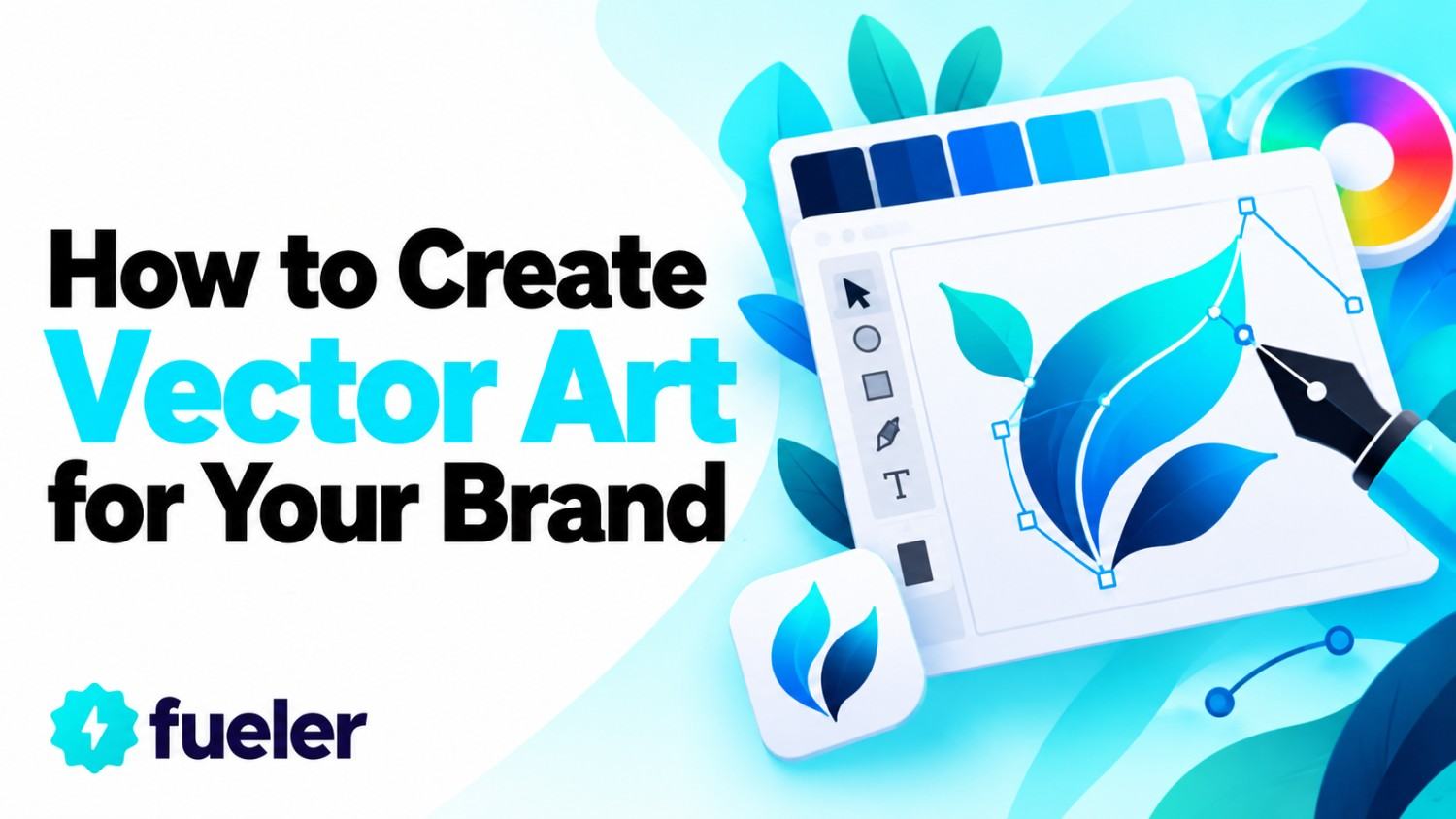
Vector art is digital artwork made of lines, shapes, and curves defined by mathematical formulas. That means you can scale these graphics from the size of a pen tip to a huge billboard without losing sharpness or clarity.
Remains clean, crisp, and sharp at any size or resolution
Works flawlessly for logos, infographics, packaging, web graphics, merchandise, and social ads
Supports digital and print marketing without complex resizing
Allows for fast edits, recoloring, and style changes in future updates
Why it matters: By mastering vector art, your brand gains visuals that are always consistent and professionally polished, helping capture the attention and trust of your audience.
Step 1: Start with a Brand Moodboard
Set a clear creative direction by building a digital moodboard before starting your vector project. A great moodboard includes sample colors, logo inspirations, reference graphics, and font choices that match your brand vibe.
Centralizes your ideas as a visual strategy
Makes it easy to share your vision with teammates or clients
Sets a consistent design theme for all branding assets
Reduces the number of revisions by locking down the mood in advance
Why it matters: A moodboard keeps every future design on-brand and saves hours during the creative process, as your team knows exactly what to aim for.
Step 2: Choose Canvas Size and Color Palette
Begin every vector project by setting up your canvas to fit your core needs—like a logo, Facebook ad, or flyer. Select a color palette that is true to your brand’s identity and performs well on both digital and print platforms.
Set standard artboard dimensions for web, social, and print outputs
Use precise color values (hex, RGB, and CMYK) to keep brand visuals identical everywhere
Create color templates for repeated marketing assets
Ensure designs are ready to be exported without resizing
Why it matters: Consistency in size and color means your brand’s graphics always look uniform and work seamlessly across all marketing channels.
Step 3: Build with Simple Shapes
Use basic shapes like circles, rectangles, and lines as the foundation for your design. Combining and layering shapes gives structure to logos, icons, and illustrations, while keeping the process quick and easy to manage.
Enables rapid prototyping and visual experimentation
Simplifies design for clarity and impact at all sizes
Facilitates instant resizing and repositioning of elements
Keeps artwork clean, modern, and versatile
Why it matters: Simple shapes offer an agile base, making it easy to update and adapt graphics as brand needs evolve.
Step 4: Edit Paths for Unique Graphics
Refine your designs by using vector software’s pen, anchor point, and path editing tools. This lets you tweak curves, adjust angles, and merge or subtract paths for one-of-a-kind graphics.
Allows advanced customization and originality in logos, icons, and artwork
Ensures graphics can be edited and updated at any stage
Delivers full control over visual details and style
Helps create memorable, distinctive brand visuals
Why it matters: Tailored path edits create signature looks for your brand, boosting recognition and setting you apart from competitors.
Step 5: Add Typography and Brand Elements
Integrate vectorized text and design accents like your tagline or icon to transform your art into a finished brand asset. Convert fonts to outlines for sharp scaling and prevent font substitution issues.
Enables seamless mixing of custom letterforms with imagery
Makes logos and banners usable on any platform, from print to mobile apps
Elevates visual consistency across campaigns
Delivers instantly recognizable elements in every communication
Why it matters: Proper use of typography locks in your brand’s personality, making designs memorable and highly professional.
Step 6: Export and Test Across All Media
Export your finished vector files in versatile formats (SVG, PDF, EPS for vector; PNG or JPEG for quick web use) and preview on different devices and backgrounds. Check how artwork looks on your website, digital ads, print products, and social profiles.
Ensures graphics look sharp on screens and in print
Avoids unpleasant surprises with color or file compatibility
Prepares assets for smooth collaboration with printers and developers
Guarantees consistent display wherever your brand shows up
Why it matters: Proper exporting protects your design quality and brand consistency in every context, from business cards to gigantic banners.
Modern Tips for Scalable, Impactful Vector Art
Limit your palette to a few bold, brand-consistent colors
Keep smaller details simple so they remain visible in icons
Test all designs in both light and dark modes
Consider accessibility, ensuring art is clear to every viewer
Why it matters: These best practices ensure your brand always looks intentional, bold, and future-ready no matter the device or campaign.
How to Showcase Vector Work and Win Clients
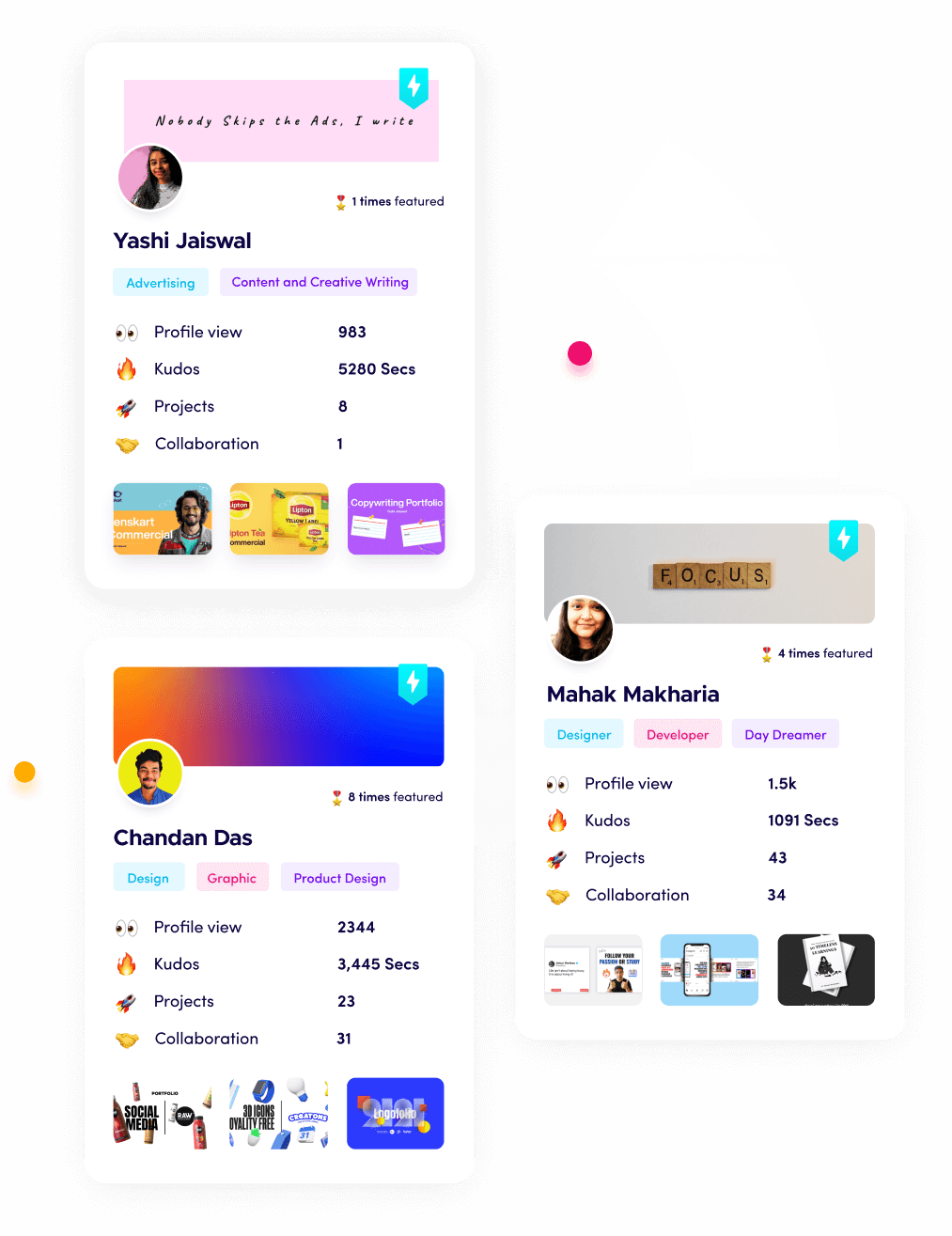
Clients and companies want to see tangible results. On Fueler, designers and brand builders showcase projects, case studies, before-and-after redesign images, and even downloadable assets. Demonstrating vector assignments in your portfolio helps you command better rates, attract business partnerships, and land the recognition you deserve.
Final Thought
Learning to create and use vector art in 2027 gives your brand unbeatable flexibility, recognition, and long-term value. By combining advanced tools, smart creative workflow, and a results-driven portfolio, you’ll stand out in a crowded market and make every touchpoint of your business look strong and professional.
Frequently Asked Questions
1. Which design app is best for vector graphics in 2027?
Adobe Illustrator leads for professionals, but Affinity Designer, Inkscape, and Vectr are strong options for all budgets and levels.
2. How is vector art different from pixel-based graphics?
Vector graphics use scalable, math-based shapes for infinite quality, while pixel art is made of small squares that blur when resized.
3. What’s the best export format for vector art in branding?
SVG and PDF are most common for web and print because they keep lines crisp, scale perfectly, and preserve color accuracy.
4. Why does every brand need vector versions of their logo?
Vector logos can be printed or displayed anywhere from a small app icon to a giant building without ever losing clarity.
5. Where should I post my vector projects to get freelance work?
Use Fueler to build an assignment-based portfolio that proves your skills to real clients and helps you stand out in the hiring process.
Why 150,000+ professionals use Fueler
Fueler helps professionals showcase proof of work through projects, assignments, case studies, and achievements.
Thousands of professionals use Fueler to create their digital portfolio
Thousands of projects are published on Fueler. Check here
Startups and Companies hire through proof of work on Fueler
Used by freelancers, creators, marketers, video editors, writers, designers, and product managers
Our mission is to help the next 100 million professionals build a verified professional identity through proof of work

What should you do next?
You've read the article. Now turn your skills into proof of work and unlock more opportunities.
Build your proof of work portfolio
Create a clean portfolio with projects, assignments, resumes, and AI stack details that companies actually want to see.
Create your Fueler portfolio →Apply through assignments, not resumes
Stand out by solving real tasks from companies hiring on Fueler.
Explore assignments →Get discovered by companies
Make your work public and let recruiters discover your skills through actual projects instead of keywords.
Get discovered →