How to Use AI Image Editor Tools for Stunning Designs in 2027

Riten Debnath
04 Aug, 2025
Last updated: November 2026
Are you ready to create jaw-dropping images that grab attention and boost your brand, but don’t want to spend hours mastering complicated software? In 2027, AI image editor tools are your creative game-changer. These smart tools take the hard work out of design, letting you produce professional-quality visuals faster and easier than ever before. Whether you’re a marketer, freelancer, or entrepreneur, AI-powered editors unlock your creative potential with no design degree required.
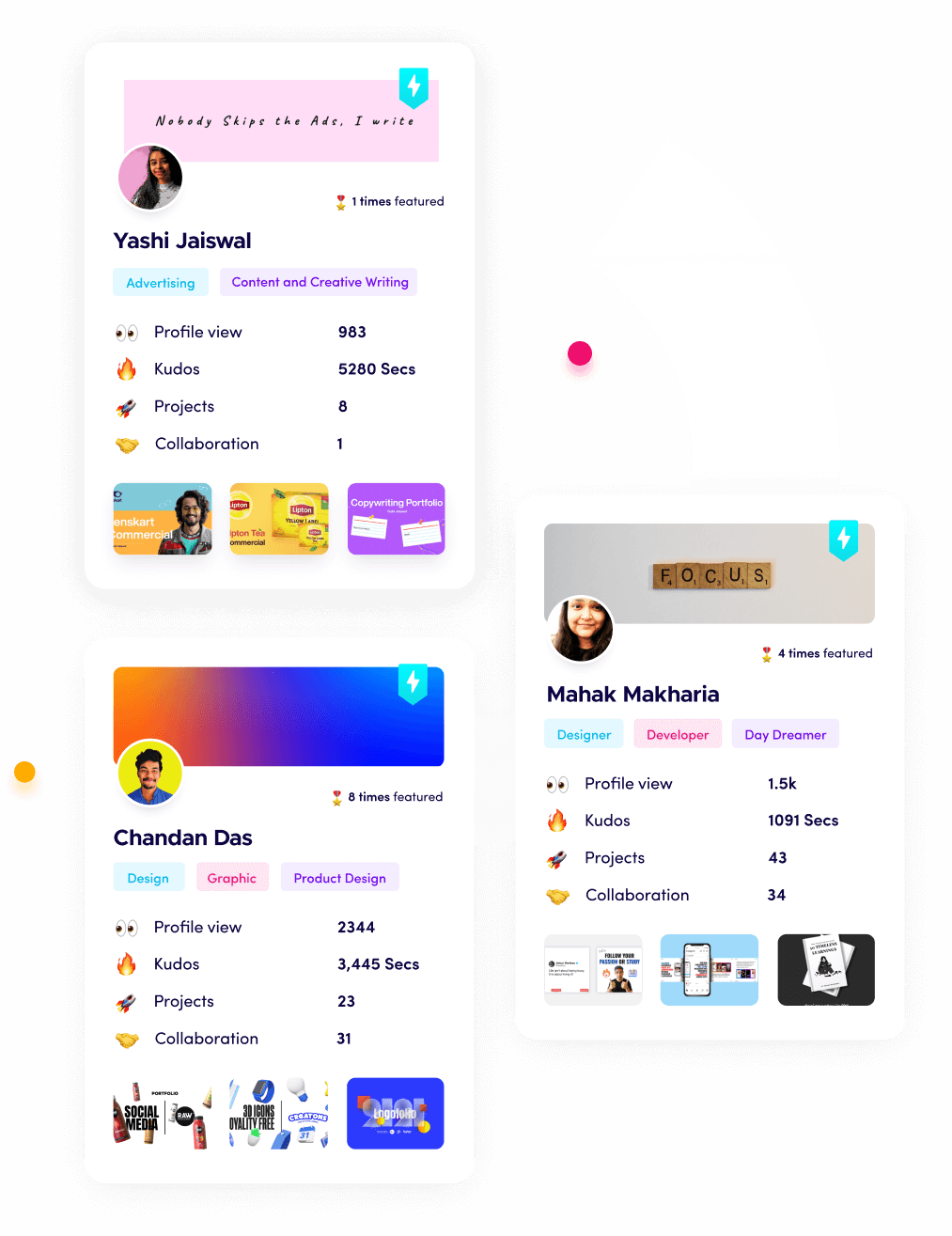
I’m Riten, founder of Fueler, a skills-first portfolio platform building the career infrastructure for 100 million creative professionals. Fueler connects talented individuals with companies through assignments, portfolios, and projects, not just resumes or CVs. Think of it as Dribbble/Behance for work samples combined with AngelList for hiring infrastructure.
In this article, I’ll walk you through how to use the latest AI image editor tools to craft stunning designs in 2027. But remember, mastering the tools is just part of the journey. How you showcase your creative projects and results is your proof of skill and your shortcut to trust. Building a strong portfolio is what truly sets you apart in today’s competitive digital world.
Why AI Image Editors Are a Must-Have in 2027
AI image editors are revolutionizing design by automating complex tasks and offering creative suggestions that save time and spark new ideas. These tools use artificial intelligence to enhance photos, remove backgrounds, generate fresh visuals, and apply artistic effects—all with just a few clicks. You don’t need to be a Photoshop expert to create eye-catching content anymore.
Automatically improve photo quality with smart enhancements
Remove unwanted objects or backgrounds instantly
Generate new images or fill missing areas using AI creativity
Apply unique filters and styles to give your designs a professional edge
Why it matters: AI image editors empower everyone to create polished, engaging visuals quickly, helping you stay ahead in a fast-paced digital landscape.
Top AI Image Editor Tools You Should Try in 2027
With so many AI image editors available, picking the right one can be overwhelming. Here’s a detailed look at some of the best tools, what they offer, and how much they cost:
1. PhotoDirector
PhotoDirector combines powerful AI features with an easy-to-use interface, making it perfect for beginners and pros alike. It offers a wide range of creative tools that let you transform ordinary photos into stunning works of art.
AI Style Effects to convert photos into paintings or sketches
Sky replacement and object removal for dramatic edits
Facial retouching and beautification tools
Generative AI to create new backgrounds or fill gaps
Pricing:
Free version with basic features
Premium subscription at $3.33/month for full access
Why it matters: PhotoDirector makes advanced editing accessible and fun, so you can create professional designs without a steep learning curve.
2. Adobe Photoshop with Firefly
Adobe Photoshop remains the gold standard for image editing, now enhanced with Firefly AI to supercharge your creativity. This combo is ideal for creatives who want full control and cutting-edge AI assistance.
Generative Fill lets you add, remove, or extend image parts using text prompts
Advanced selection and masking tools powered by AI
Neural filters for artistic and corrective effects
Seamless integration with Adobe Creative Cloud apps
Pricing:
Photoshop subscription at $22.99/month
Firefly AI add-on available for $9.99/month
Why it matters: Photoshop with Firefly gives you unmatched flexibility and power, perfect for pushing creative boundaries and producing top-tier designs.
3. Canva
Canva’s Magic Studio uses AI to simplify design for everyone. Its drag-and-drop interface combined with AI-powered tools helps you create stunning social media posts, presentations, and marketing materials in minutes.
Text-to-image generation and AI design suggestions
Thousands of customizable templates for any project
Collaboration features for teams and clients
Easy export options for web and print
Pricing:
Free plan with essential features
Pro plan at $12/month per user including AI tools
Why it matters: Canva democratizes design, making it easy for non-designers to produce professional visuals quickly and consistently.
4. Pixlr
Pixlr is a versatile online editor that offers powerful AI features at an affordable price. It’s perfect for quick edits or creative projects and works directly in your browser.
AI Cutout for instant background removal
Generative Backdrop and face swap tools
Batch editing for handling multiple images efficiently
Multiple apps tailored for different editing needs
Pricing:
Free plan with limited AI features
Premium plan at $4.90/month for full access
Why it matters: Pixlr provides a flexible, budget-friendly option for users who want fast and effective AI-powered image editing.
How to Get the Most from AI Image Editors
To truly unlock the power of AI image editors, combine their features with your creativity and a clear design goal. Experiment with different tools, use templates as starting points, and always keep your audience in mind.
Start with a clear concept or message for your design
Use AI tools to speed up repetitive tasks like background removal or color correction
Customize AI-generated content to fit your brand style and tone
Build a portfolio of your best work to showcase your skills
Why it matters: Using AI as a creative partner lets you produce high-quality designs faster, freeing you to focus on storytelling and impact.
Showcase Your AI Design Skills with Fueler
If you want to stand out as a designer or marketer, don’t just create—showcase your work. Fueler is the perfect platform to build a portfolio of your AI-enhanced design projects. By sharing real assignments, client feedback, and design results, you prove your expertise and attract new opportunities. Fueler helps professionals turn their creative work into trusted proof of skill.
Final Thought
AI image editor tools are transforming the design landscape in 2027, making professional-quality visuals accessible to everyone. By embracing these tools, you can save time, boost creativity, and produce stunning designs that captivate your audience. But remember, mastering the tools is just the start—how you present and share your creative work will set you apart and open doors to exciting new opportunities.
Frequently Asked Questions
1. What are AI image editor tools?
They are software applications that use artificial intelligence to automate and enhance image editing tasks, making design easier and faster.
2. Which AI image editor is best for beginners?
PhotoDirector and Canva are great for beginners due to their user-friendly interfaces and powerful AI features.
3. Can AI image editors replace professional designers?
AI tools assist designers but do not replace creativity and strategic thinking. They help speed up workflows and enhance output.
4. Are AI-generated images safe to use commercially?
Yes, many AI tools like Adobe Firefly provide commercially safe content, but always check licensing terms.
5. How can I showcase my AI design skills to employers?
Build a portfolio on Fueler with your AI-enhanced projects, client feedback, and case studies to prove your expertise and creativity.
Why 150,000+ professionals use Fueler
Fueler helps professionals showcase proof of work through projects, assignments, case studies, and achievements.
Thousands of professionals use Fueler to create their digital portfolio
Thousands of projects are published on Fueler. Check here
Startups and Companies hire through proof of work on Fueler
Used by freelancers, creators, marketers, video editors, writers, designers, and product managers
Our mission is to help the next 100 million professionals build a verified professional identity through proof of work

What should you do next?
You've read the article. Now turn your skills into proof of work and unlock more opportunities.
Build your proof of work portfolio
Create a clean portfolio with projects, assignments, resumes, and AI stack details that companies actually want to see.
Create your Fueler portfolio →Apply through assignments, not resumes
Stand out by solving real tasks from companies hiring on Fueler.
Explore assignments →Get discovered by companies
Make your work public and let recruiters discover your skills through actual projects instead of keywords.
Get discovered →