Last updated: October 2026
The design world is evolving at groundbreaking speed, and 2026 is shaping up to be a landmark year for collaboration. With artificial intelligence (AI) at the helm, design tools are no longer just about creating; they’re about connecting teams, streamlining processes, and sparking creativity like never before. For freelancers, students, and professionals on Fueler.io, staying ahead means embracing these AI-powered design collaboration tools. Let’s dive into what’s driving this shift, the top tools to watch, and how they can supercharge your workflow this year.
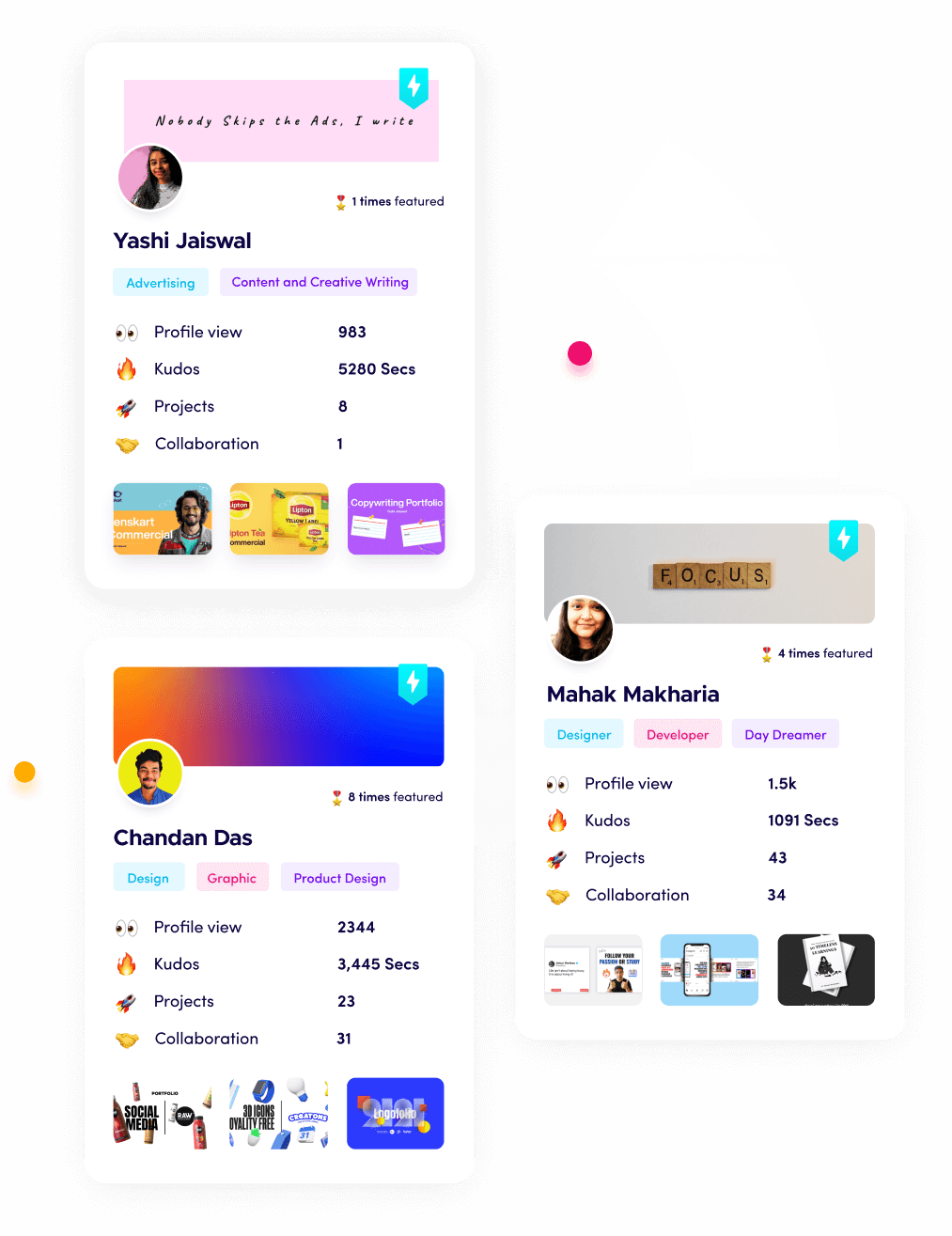
I’m Riten, founder of Fueler, a skills-first portfolio platform building the career infrastructure for 100 million creative professionals. Fueler connects talented individuals with companies through assignments, portfolios, and projects, not just resumes or CVs. Think of it as Dribbble/Behance for work samples combined with AngelList for hiring infrastructure.
Why AI-Powered Collaboration Matters in 2026
Design isn’t a solo gig anymore. Whether you’re a UI/UX designer freelancing for a startup, a student collaborating on a group project, or a professional syncing with a remote team, collaboration is key. AI steps in to bridge gaps geographic, creative, and technical making teamwork smoother and faster. In 2026, it’s not just about automating repetitive tasks; it’s about enhancing human creativity with intelligent insights, real-time feedback, and seamless integration.
Imagine this: You sketch a wireframe, and your tool instantly turns it into a clickable prototype while your teammate in another time zone adds comments all in real time. That’s the power of AI-driven design collaboration. It saves time, cuts miscommunication, and lets you focus on what you do best: designing.
Top AI-Powered Design Collaboration Tools for 2026
Here’s a roundup of the tools transforming how we design together. These picks are practical, accessible, and perfect for the Fueler community looking to level up.
1. Figma with AI Enhancements
Figma’s already a collaboration king, but in 2026, its AI upgrades take it further. Real-time co-editing gets smarter with AI suggesting layouts, color schemes, and even accessibility tweaks as you work. Need feedback? The AI can summarize comments from your team, so you don’t drown in a sea of notes. For Fueler freelancers juggling multiple clients, this means faster iterations and happier stakeholders.
Why You’ll Love It: Cloud-based, intuitive, and now with AI that predicts your next move.
2. Adobe XD + Sensei Integration
Adobe XD paired with Adobe Sensei (its AI engine) is a powerhouse for 2026. Teams can co-edit prototypes while Sensei auto-generates design specs for developers or fills in image gaps with realistic content-aware edits. It’s perfect for Fueler pros who need to hand off polished work to coders without missing a beat.
Why You’ll Love It: Seamless Adobe ecosystem integration and AI that handles the grunt work.
3. Canva’s AI Collaboration Suite
Canva’s no longer just for quick graphics. In 2026, its AI suite lets teams brainstorm, design, and resize assets together in real time. The Magic Design feature suggests layouts based on your input, while collaborators tweak them live. For students on Fueler, this is a budget-friendly way to create pro-level designs with zero learning curve.
Why You’ll Love It: Free tier, easy collaboration, and AI that makes everyone look like a designer.
4. Uizard: From Sketch to Team Sync
Uizard’s AI turns your hand-drawn sketches into digital designs instantly, but its 2026 update adds robust team features. Share prototypes, gather feedback, and watch AI refine your work based on collective input all in one platform. It’s a game-changer for Fueler freelancers pitching ideas to clients on tight deadlines.
Why You’ll Love It: Fast prototyping and AI that keeps your team in sync.
5. Miro Assist for Design Sprints
Miro’s digital whiteboard gets an AI boost with Miro Assist in 2026. It organizes sticky notes, builds mind maps, and even suggests next steps during design sprints. For Fueler users running remote workshops or brainstorming sessions, this tool keeps ideas flowing and teams aligned.
Why You’ll Love It: Visual collaboration meets AI-driven structure.
Trends Shaping AI Design Tools in 2026
Beyond the tools, here’s what’s defining the landscape this year:
Real-Time Everything: AI enables instant updates across teams, killing the “I didn’t get the latest version” excuse.
Smarter Feedback Loops: Tools analyze comments and suggest actionable changes, cutting revision time.
Accessibility Focus: AI flags design issues (like contrast or font size) before they become problems, a win for inclusive design.
Integration Overload: Expect tools to sync effortlessly with project management platforms like ClickUp or Notion, keeping your workflow tight.
How to Get Started
Ready to jump in? Here’s a quick plan for Fueler users:
Pick Your Tool: Start with a free option like Canva or Uizard to test the waters.
Invite Your Crew: Share a project link with your team or clients and explore real-time edits.
Leverage AI Features: Experiment with auto-suggestions or prototyping to see where it saves you time.
Showcase It: Add your slick, AI-enhanced designs to your Fueler portfolio to impress potential clients.
The Future Is Collaborative, and AI Is the Glue
In 2026, AI-powered design collaboration tools aren’t just nice-to-haves; they’re must-haves. They empower you to work smarter, not harder, whether you’re a solo freelancer, a student, or part of a sprawling team. For the Fueler community, these tools mean more time creating, less time coordinating, and a portfolio that stands out in a crowded market.
So, what will be your go-to design tool this year?
Why 100,000+ professionals use Fueler
Fueler helps professionals showcase proof of work through projects, assignments, case studies, and achievements.
Thousands of professionals use Fueler to create their digital portfolio
Thousands of projects are published on Fueler. Check here
Startups and Companies hire through proof of work on Fueler
Used by freelancers, creators, marketers, video editors, writers, designers, and product managers
Our mission is to help the next 100 million professionals build a verified professional identity through proof of work