Are you ready to take your small business to the next level? Google Ads is one of the most effective ways to reach new customers, drive traffic, and boost sales in the US. Even if you have a limited budget, you can compete with bigger brands by targeting the right audience at the right time. With smart strategies, Google Ads can help you get measurable results and grow your business faster than ever.
I’m Riten, founder of Fueler, a platform that helps freelancers and professionals get hired through their work samples. In this article, I’ll show you how Google Ads can transform your small business marketing. Beyond just running ads, the real secret is sharing your results. Your campaigns are proof of your marketing skills, and putting them in a portfolio builds trust and credibility with clients or employers.
Let’s explore the essential steps and best practices for using Google Ads to grow your US small business.
1. Understanding Google Ads and Its Benefits
Google Ads is an online advertising platform that lets you display ads on Google search results and partner sites. You can target specific keywords, locations, and audiences, ensuring your business appears when people search for what you offer. Google Ads uses a pay-per-click model, so you only pay when someone clicks your ad, making it budget-friendly for small businesses.
Reach customers actively searching for your products or services
Target by location, device, and audience interests
Control your daily or monthly ad spend
Track campaign performance in real time
Why it matters: Knowing how Google Ads works helps small business owners make smart decisions, maximize their marketing budget, and reach more potential customers.
2. Setting Up Your First Google Ads Campaign
Starting with Google Ads is simple if you follow the right steps. First, create a Google Ads account and set clear goals for your campaign, like getting more website visits or phone calls. Next, define your target audience, select relevant keywords, write compelling ad copy, and set your budget. Google’s platform guides you through each step, making it beginner-friendly.
Sign up for a Google Ads account
Choose your campaign objective, such as sales or leads
Select your target audience and location
Set your daily or monthly budget
Why it matters: Setting up your campaign correctly ensures your ads reach the right people, which increases your chances of getting real leads and sales for your business.
3. Conducting Keyword Research
Keywords are the foundation of any successful Google Ads campaign. By researching and selecting the right keywords, you make sure your ads appear when potential customers search for products or services like yours. Use tools like Google Keyword Planner to find high-traffic, low-competition keywords that fit your business.
Use Google Keyword Planner for research
Focus on long-tail keywords for better targeting
Add negative keywords to filter out irrelevant searches
Regularly update your keyword list based on performance
Why it matters: Good keyword research helps you attract high-quality leads, avoid wasting money on unqualified clicks, and improve your overall ad performance.
4. Writing Compelling Ad Copy
The words in your ad can make or break your campaign. Effective ad copy grabs attention, clearly explains what you offer, and encourages people to take action. Use strong headlines, include your main keywords, highlight special offers, and add a clear call to action. You might consider testing an ad text generator free of charge to quickly experiment with different phrasing and messaging variations before finalizing your campaign.
Write clear, attention-grabbing headlines
Use action-oriented language
Highlight unique selling points or offers
Match your ad copy to your landing page content
Why it matters: Well-written ad copy increases your click-through rate, brings more visitors to your site, and helps convert them into customers.
5. Setting an Effective Budget
One of the best things about Google Ads is the ability to control your spending. You decide how much you want to spend each day or month, and Google will never exceed your limit. Start with a small budget, monitor your results, and adjust your spending as you learn what works.
Set daily or monthly spending limits
Adjust your budget based on campaign performance
Pause or stop ads anytime
Use automated bidding to optimize results
Why it matters: Managing your budget wisely helps you stay profitable, avoid overspending, and make the most of your advertising dollars.
6. Tracking and Measuring Results
Google Ads gives you powerful tools to track the performance of your campaigns. You can see how many people clicked your ads, what actions they took on your site, and how much each lead or sale cost. Use this data to improve your ads and get better results over time.
Monitor clicks, impressions, and conversions
Track cost per click and cost per conversion
Use Google Analytics for deeper insights
Make data-driven adjustments to your campaigns
Why it matters: Tracking your results lets you see what’s working, fix what isn’t, and maximize your return on investment.
7. Using Ad Extensions
Ad extensions let you add extra information to your ads, like phone numbers, addresses, or links to specific pages. These extensions make your ads more useful and increase the chances that people will click.
Add call, location, and sitelink extensions
Highlight special offers or promotions
Improve ad visibility and engagement
Customize extensions for mobile users
Why it matters: Ad extensions make your ads stand out, provide more value to users, and boost your click-through rate.
8. Showcasing Your Google Ads Results with Fueler
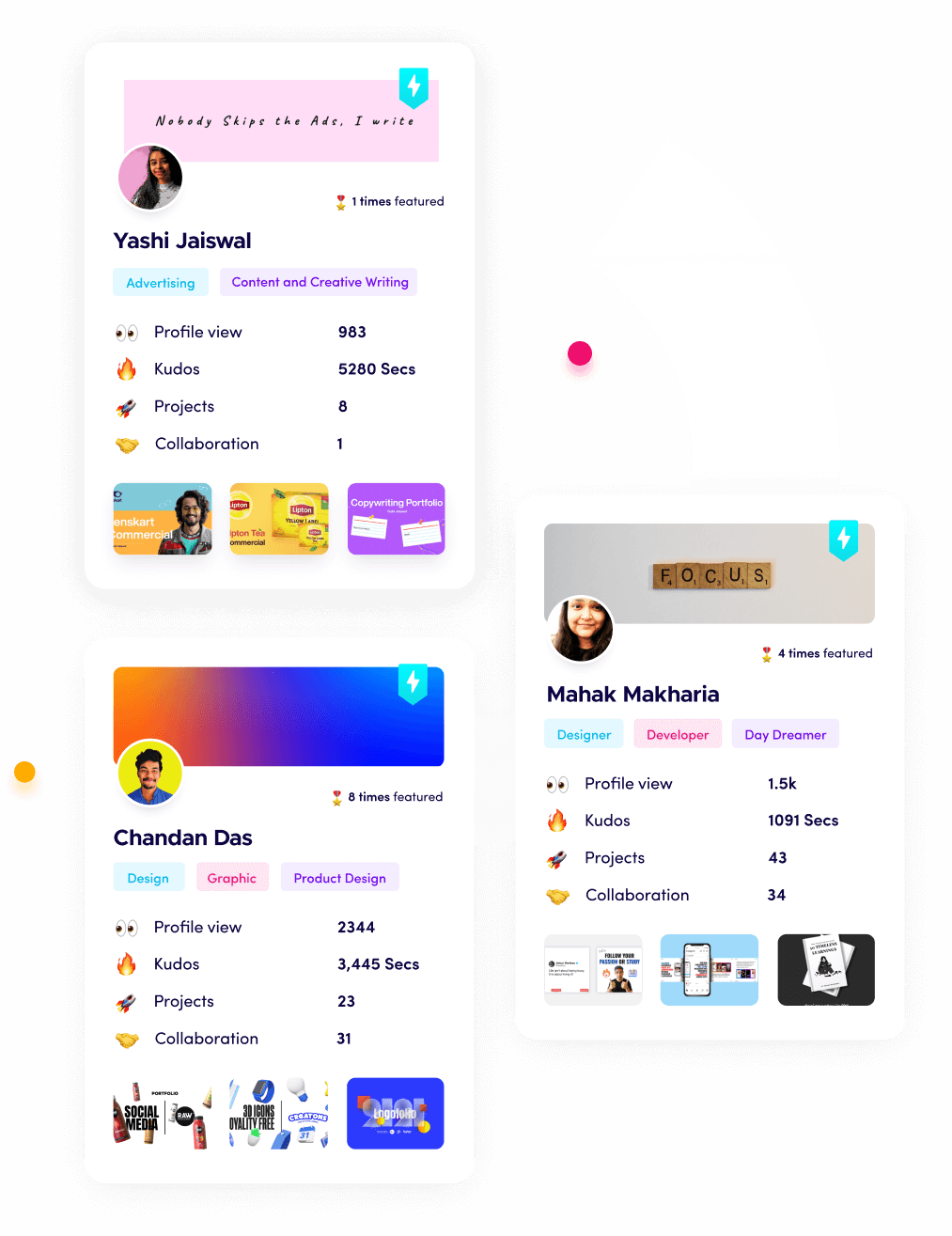
When you run successful Google Ads campaigns, don’t keep the results to yourself. With Fueler, you can create a portfolio that showcases your best campaigns and results. This helps you attract new clients or employers who want proof of your skills.
Upload screenshots and analytics reports
Add descriptions and outcomes for each campaign
Share your portfolio link with potential clients
Build trust and credibility in your field
Why it matters: Showcasing your Google Ads work helps you prove your expertise, attract more business opportunities, and stand out in the crowded digital marketing space.
9. Staying Updated with Google Ads Trends
Google Ads is always evolving, with new features and updates released regularly. Stay informed by following Google’s official blog, joining online communities, and testing out new tools and strategies.
Follow Google Ads news and updates
Join marketing forums and groups
Experiment with new ad formats and features
Attend webinars and online workshops
Why it matters: Staying updated helps you use the latest tools, keep your campaigns effective, and stay ahead of the competition.
Final Thoughts
Google Ads is a powerful tool for US small businesses to reach new customers, increase sales, and grow online. By following these steps, you can create effective campaigns, track your results, and keep improving. Remember, it’s not just about running ads—showcasing your success with Fueler can open even more doors for your business.
FAQs
1. What is the best budget to start with on Google Ads for small businesses?
Start with $10 to $20 per day and adjust based on your results and goals.
2. How do I choose the right keywords for my Google Ads campaign?
Use Google Keyword Planner to find relevant keywords with high search volume and low competition.
3. Can I manage Google Ads myself or do I need an agency?
You can manage Google Ads yourself using Google’s tools, but agencies can help if you want expert management.
4. How do I know if my Google Ads are working?
Track metrics like clicks, conversions, and cost per click in your Google Ads dashboard.
5. What are ad extensions and why should I use them?
Ad extensions add extra information to your ads, making them more useful and increasing your chances of getting clicks.
What is Fueler Portfolio?
Fueler is a career portfolio platform that helps companies find the best talents for their organization based on their proof of work.
You can create your portfolio on Fueler, thousands of freelancers around the world use Fueler to create their professional-looking portfolios and become financially independent. Discover inspiration for your portfolio
Sign up for free on Fueler or get in touch to learn more.