What Software and Tools Do You Learn in the Tharun Speaks Video Editing Cohort?

Riten Debnath
10 Aug, 2026
Last updated: August 2026
Most beginner video editors make the exact same mistake when starting out: they download four different editing applications, hoard gigabytes of random plugins, and get completely paralyzed by software complexity. When you open an industry-standard editor for the first time, the endless array of timelines, panels, color wheels, and rendering settings can feel like sitting in the cockpit of a commercial airplane.
I’m Riten, founder of Fueler, a skills-first portfolio platform building the career infrastructure for 100 million creative professionals. Fueler connects talented individuals with companies through assignments, portfolios, and projects, not just resumes or CVs. Think of it as Dribbble/Behance for work samples combined with AngelList for hiring infrastructure.
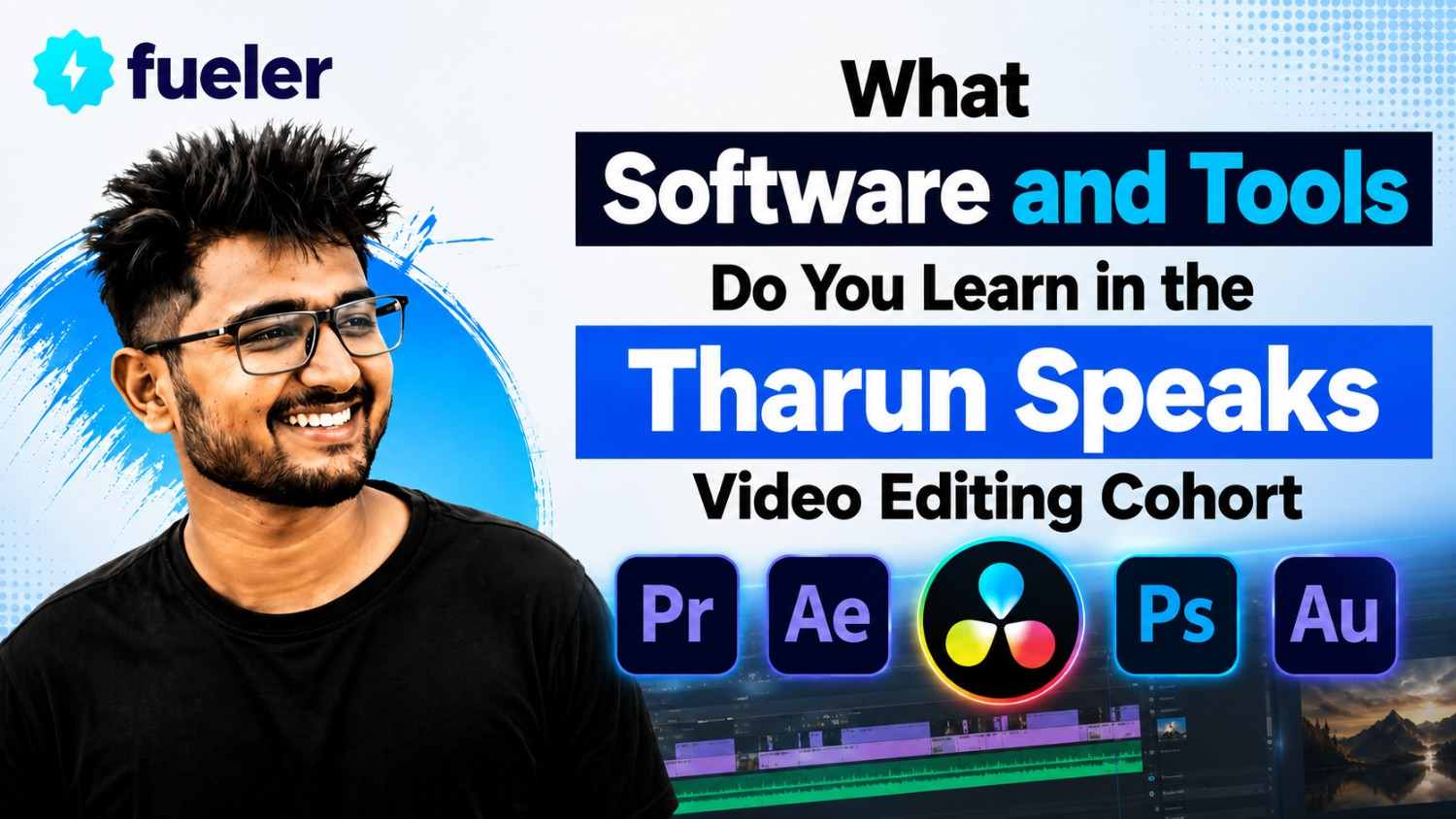
In our daily work reviewing thousands of creative portfolios and hiring assignments across top startup teams, we see that companies do not hire someone because they own expensive software. They hire editors who understand how to leverage specific software tools to build high-retention stories, clean up bad audio, and deliver tight visual assets on deadline. Understanding the exact software stack and digital toolset taught in the Tharun Speaks Video Editing Cohort gives you a practical roadmap for building market-ready editing skills.
Quick Answer Summary
- Core Video Assembly Engine: Adobe Premiere Pro is taught from ground zero for primary video cutting, sequence setup, split edits, and timeline management.
- Motion Graphics & Animation: Adobe After Effects is introduced for keyframe animation, kinetic typography, visual callouts, and masking.
- Color Grading & Correction: DaVinci Resolve and Lumetri Color are used for scientific exposure balancing, skin-tone matching, and Look-Up Table (LUT) grading.
- Audio Engineering Tools: Built-in audio panels, voice isolation, equalization (EQ), compression, and sound effect (SFX) layering are taught to create crisp soundscapes.
- Modern AI Integration: Students learn AI-driven auto-captioning, background generative fills, voice cleanup tools, and automated rough-cut workflows.
- Practical Proof-of-Work Output: Completed assignments are exported and organized into public portfolios on Fueler to land freelance clients and startup roles.
What is the Software Stack in the Tharun Speaks Video Editing Cohort?
The software stack in the Tharun Speaks Video Editing Cohort is a curated collection of industry-standard creative applications, specialized post-production plugins, and modern AI automation utilities. Rather than forcing students to learn dozens of niche applications, the program focuses on the core tools used by professional post-production studios, top YouTube channels, and high-growth marketing agencies.
At its foundation, the curriculum treats software tools as complementary elements of a single production pipeline. You begin with primary cutting software, move into motion graphics for visual flair, transition into color grading engines for visual polish, and utilize AI utilities to speed up repetitive tasks.
This distinction matters because self-taught editors often waste months jumping between random mobile apps and pirated plugins without mastering a professional desktop workflow. By mastering an interconnected, professional toolset, learners build a repeatable workflow that scales seamlessly whether they edit a 30-second Instagram Reel or a 30-minute documentary-style YouTube video.
Key Facts Table
Detailed Explanation of Software and Tools Taught
The Tharun Speaks cohort breaks down software training into logical, specialized tool categories. Each tool is introduced only when students hit the exact point in the production process where that software shines.
1. Adobe Premiere Pro: The Primary Editing Engine
Adobe Premiere Pro forms the backbone of the entire cohort curriculum. It is the industry-standard non-linear editing software used by top video production houses, tech startups in Bangalore, and leading digital agencies.
- What is taught: Interface navigation, workspace optimization, sequence configurations (1080p, 4K, vertical 9:16 aspect ratios), frame rate setups (24fps, 30fps, 60fps), and track management (V1–V3 visual layers, A1–A3 audio layers). Students master essential editing tools including the Razor tool, Ripple Edit, Rolling Edit, Slip, and Slide tools.
- Why it matters: Premiere Pro provides the speed, stability, and keyboard customization required to cut long hours of raw footage into tight narratives. Without a deep understanding of timeline mechanics, editors struggle with laggy sequences, misaligned audio, and rendering errors.
- How it is executed: Students customize keyboard shortcuts immediately to eliminate mouse dependencies. They practice advanced timeline cutting techniques like J-cuts and L-cuts (split editing where audio leads or lingers past the video cut) and learn speed remapping and warp stabilization for smooth playback.
2. Adobe After Effects: Motion Graphics and Visual FX
Once learners master structural cuts in Premiere Pro, the cohort introduces Adobe After Effects. This application allows editors to move beyond basic video trimming into dynamic visual storytelling and graphics creation.
- What is taught: Keyframe animation principles, spatial and temporal interpolation, Graph Editor speed curves, kinetic typography, camera tracking, and green screen chroma keying. Students learn how to build custom lower thirds, callout graphics, and freeze-frame pop-out effects.
- Why it matters: On platforms like YouTube, Instagram Reels, and TikTok, visual density and graphic callouts are essential for retaining viewer attention. After Effects allows an editor to visually explain complex concepts, financial charts, or tech diagrams directly on screen.
- How it is executed: Students build custom motion graphics templates (.mogrt files) in After Effects and link them directly to Premiere Pro using Adobe Dynamic Link. This allows seamless graphics updates without needing to export intermediate video files.
3. DaVinci Resolve and Lumetri Color: Color Correction and Grading
Unprocessed camera footage often appears washed out, flat, or mismatched across different lighting setups. The curriculum introduces professional color workflows using both Premiere Pro's built-in Lumetri Color panel and Blackmagic Design's DaVinci Resolve.
- What is taught: Scientific waveform scopes (Waveforms, Vectorscopes, RGB Parade), primary color correction, exposure balancing, skin-tone isolation, shot matching across multiple cameras, and creative color grading using Look-Up Tables (LUTs).
- Why it matters: Color grading gives a video its distinct atmosphere, professional shine, and brand consistency. Knowing how to fix harsh shadows or weird color casts transforms amateur smartphone clips into broadcast-quality visual assets.
- How it is executed: Students work on raw flat log footage provided in the course asset packs. They practice adjusting highlight controls, isolating skin tones on vectorscopes, and applying subtle color grades that enhance contrast without distorting natural colors.
4. Audio Processing and Sound Design Tools
A video with stunning 4K visuals will immediately fail if the audio is noisy, quiet, or muffled. The Tharun Speaks curriculum places heavy emphasis on audio engineering tools within Adobe Premiere Pro and dedicated audio cleanup suites.
- What is taught: Reading decibel meters (-6dB to -12dB targets for dialogue), voiceover equalization (EQ), vocal compression, noise reduction, audio ducking (lowering music automatically when voiceover plays), and multi-layered sound effect (SFX) design.
- Why it matters: High-impact sound effects such as risers, deep impacts, whooshes, keyboard clicks, and subtle pops add tactile depth to 2D screen motion. Crisp, balanced audio creates an immersive viewer experience and retains audience engagement.
- How it is executed: Students process raw interview audio stems to strip out background air conditioner hums. They layer ambient background tracks, sync audio beats directly to visual cuts, and apply hard limiters to prevent audio distortion.
5. AI Utilities and Modern Automation Plugins
Modern video editing is no longer about doing every single tedious cut manually. The cohort integrates cutting-edge AI tools directly into the editing workflow to multiply student output speed.
- What is taught: AI auto-caption generators, AI voice cleanup engines, automated transcript-based editing, background removal tools, and generative fill utilities.
- Why it matters: Tasks that used to take hours, like typing out manual subtitles for a 60-second Reel or masking out a complex background, can now be completed in seconds using AI.
- How it is executed: Learners set up AI subtitle tools to generate kinetic captions, refine word timings, apply custom font highlights, and auto-detect silent gaps to generate instant rough cuts.
6. Asset Management and Proxy Workflow Tools
When handling large 4K video files, slow timeline rendering can halt creative momentum. The cohort teaches professional asset management systems and low-spec hardware optimization tools.
- What is taught: File directory organization, media ingest setups, scratch disk management, proxy creation (ProRes/DNxHR proxies), and project archive management.
- Why it matters: Creating lightweight proxy files allows students with mid-range or budget laptops to edit heavy camera footage smoothly without timeline stutter or software crashes.
- How it is executed: Students configure Adobe Media Encoder to automatically generate low-resolution proxy clips upon importing raw camera media, switching between proxy and original media with a single hotkey toggle.
How It Works: Step-by-Step Software Integration
Mastering multiple software applications requires a structured, step-by-step implementation process rather than learning tools in isolation. Here is how students integrate this software stack throughout the cohort:
- Environment Setup & Key Mapping: Students configure Adobe Premiere Pro, install necessary video codecs, set up project folders, and map custom keyboard hotkeys.
- Raw Footage Ingestion & Proxy Creation: Raw video files are imported, organized into bin structures, and converted into low-spec proxy files for smooth timeline playback.
- Assembly & Narrative Trimming: The editor builds the primary video cut using Premiere Pro's Ripple, Roll, and split-edit tools to establish pacing and storyline flow.
- Motion Graphics Injection: Key scenes requiring animated charts, lower thirds, or text callouts are sent to After Effects via Dynamic Link for keyframe animation.
- Audio Cleanup & SFX Layering: Voice tracks are cleaned using EQ and compression, followed by ducked music background tracks and layered sound effects.
- Color Pass in DaVinci Resolve / Lumetri: Exposure, skin tones, and overall color contrast are calibrated across all clips using scopes and LUTs.
- AI Optimization & Subtitle Pass: AI tools auto-generate stylized vertical captions, perform automated speech cleanup, and speed up final delivery checks.
- Export & Portfolio Showcase on Fueler: The final video is rendered under optimal codec settings (H.264/HEVC) and uploaded directly to Fueler alongside project breakdowns to showcase real proof of work to prospective clients.
Practical Career Outcomes of Mastering This Toolset
Learning this complete software ecosystem converts generic creative interest into tangible market skills. Modern startups, top creator teams, and digital performance agencies look specifically for editors who master this exact toolset.
- Short-Form Content Specialist: High-growth consumer brands and startups hire editors who can use Premiere Pro and After Effects to turn podcasts into high-retention Instagram Reels and YouTube Shorts.
- Full-Time Creator Editor: Established YouTubers hire editors capable of handling complete post-production from rough assembly cuts to complex motion graphics and sound design.
- Freelance Video Specialist: Independent editors build profitable remote businesses by offering color grading, video editing, and motion graphics services to international clients.
- Post-Production Lead / Media Strategist: Experienced editors advance into senior roles managing video teams, setting post-production standards, and directing brand content campaigns.
Publishing your raw project files, timeline screenshots, and before-and-after video cuts on Fueler gives hiring managers clear visibility into your software competency. This proof-of-work approach bypasses traditional resume filters, allowing your actual editing speed and visual taste to land client retainer deals.
Challenges and Limitations of This Software Stack
While mastering these tools opens substantial career opportunities, learners must be prepared for real technical and operational challenges:
- Hardware Resource Demands: Running Adobe After Effects, Premiere Pro, and DaVinci Resolve simultaneously requires a capable computer with at least 16GB of RAM, a dedicated graphics card, and fast SSD storage.
- Steep Initial Learning Curve: Transitioning from simple mobile editing apps like CapCut or VN to full-featured desktop suites like Premiere Pro and After Effects requires patience and consistent practice.
- Software Subscription Costs: Adobe Creative Cloud and professional software tools require ongoing monthly or annual subscription fees, which budget-conscious students must account for.
- Continuous Updates & Tool Changes: Software applications and AI plugins update frequently, requiring editors to continuously learn new features and workflow adjustments.
Comparison: Tharun Speaks Toolset vs. Free Mobile / DIY Software
Cost, Fees, and Return on Investment
Accessing the training that covers this full software stack is structured across three cohort pricing tiers:
- Essential Plan (₹4,999): Provides access to all 44+ pre-recorded studio lectures covering the entire software stack, along with 12 live problem-solving sessions.
- Elite Plan (₹6,999): Includes everything in Essential plus dedicated mentor support, editing asset bundles worth ₹5,000, and weekly social media masterclasses.
- Ultimate Plan (₹14,999): Includes everything in Elite plus a Personal Learning Manager, private group access, premium asset packs worth ₹10,000, and placement assistance targeting ₹30,000/month roles.
Considering that freelance editors in India typically charge between ₹2,000 and ₹8,000 per short-form edit or secure monthly client retainers worth ₹15,000 to ₹30,000, mastering this professional toolset offers a fast path to earning back your training investment.
Career Opportunities and Market Demand
Professional proficiency in Adobe Premiere Pro, After Effects, and DaVinci Resolve is in high demand across the media ecosystem. Companies across Bangalore, Mumbai, NCR, and international remote hubs actively recruit skilled editors:
- Junior Video Editor: Focuses on cutting raw footage, organizing timelines, and basic sound cleanup. Starting salary: ₹2.5 LPA to ₹4 LPA.
- Motion Graphics Artist: Specializes in After Effects animations, kinetic typography, and visual FX. Typical salary: ₹4.5 LPA to ₹8 LPA.
- Short-Form Performance Editor: Creates high-converting video ads and social media clips for e-commerce and SaaS brands. Typical retainer: ₹20,000 to ₹50,000 per month per client.
- Freelance Creator Specialist: Handles end-to-end post-production for top YouTubers and media companies. Typical earnings: ₹35,000 to ₹80,000+ per month.
Who Should Choose This Software Track?
- Aspiring Professional Editors: Anyone who wants to master industry-standard software like Premiere Pro, After Effects, and DaVinci Resolve from scratch.
- Content Creators & YouTubers: Creators who want full creative control over their channel's video quality, motion graphics, and audio pacing.
- Freelancers Seeking High-Paying Clients: Editors who want to move away from mobile templates and offer high-end post-production services.
- Career Changers entering the Creator Economy: Professionals seeking a high-demand creative skill to secure remote jobs or startup roles.
- Portfolio-Focused Learners: Individuals who want to publish proof of work on Fueler to showcase verified skills to companies.
Who Should Avoid This Software Track?
- Users Without Capable Desktop Hardware: Anyone who only owns a low-spec laptop incapable of running Adobe Creative Cloud or DaVinci Resolve.
- Casual Mobile-Only Editors: Learners looking for quick, one-click mobile templates who do not want to learn complex professional software.
- Passive Students: Anyone who expects to learn software purely by watching videos without doing hands-on timeline practice.
- People Looking for Instant Jobs Without Practice: Those who believe enrolling in a course guarantees client retainers without building a portfolio.
Final Thoughts
Mastering professional video editing software is no longer about memorizing every drop-down menu in a program. It is about knowing which tool to use at each specific step of the storytelling process, from assembling raw clips in Premiere Pro to animating callouts in After Effects, balancing audio, and grading color in DaVinci Resolve.
The Tharun Speaks cohort provides a practical, structured framework that demystifies this toolset for beginners. However, the software itself is only part of the equation. Your true competitive advantage comes from using these tools to build real projects, publishing your timeline breakdowns on Fueler, and demonstrating verified proof of work to clients and hiring managers.
Key Takeaways
- Core Editing Engine: Adobe Premiere Pro is taught for timeline assembly, keyboard shortcut optimization, and structural cutting.
- Motion Graphics Power: Adobe After Effects is used for keyframe animations, kinetic typography, lower thirds, and tracking.
- Color Precision: Lumetri Color and DaVinci Resolve teach exposure balancing, skin-tone isolation, and LUT grading.
- Audio Engineering: Master voiceover EQ, compression, audio ducking, and sound effect (SFX) layering to keep viewers engaged.
- AI Tool Integration: Leverage AI auto-captioning, voice cleanup, and generative tools to accelerate editing speed.
- Proof-of-Work Strategy: Showcase completed project files and timeline breakdowns on Fueler to attract clients and land startup roles.
Frequently Asked Questions
What main software is taught in the Tharun Speaks video editing cohort?
The cohort primarily teaches Adobe Premiere Pro for video editing, Adobe After Effects for motion graphics, DaVinci Resolve for color grading, and modern AI editing tools.
Do I need prior experience with Adobe software before joining?
No prior software experience is needed. The curriculum starts from absolute basics like workspace setup and timeline cutting before advancing to complex motion graphics and audio design.
Can I run these software tools on a budget laptop?
You need a laptop with at least 8GB to 16GB of RAM and a dedicated GPU. The course teaches proxy creation techniques to edit smoothly on lower-spec hardware.
How does learning this software help me land freelance clients?
Mastering these industry-standard tools allows you to create high-retention videos. Showcasing your project files and visual breakdowns on Fueler proves your technical execution to prospective clients.
Are AI tools taught alongside traditional video editing software?
Yes, the course covers AI utilities for auto-captioning, background removal, voice cleanup, and automated transcript editing to help you edit three times faster.
Why 100,000+ professionals use Fueler
Fueler helps professionals showcase proof of work through projects, assignments, case studies, and achievements.
- Thousands of professionals use Fueler to create their digital portfolio
- Thousands of projects are published on Fueler. Check here
- Startups and Companies hire through proof of work on Fueler
- Used by freelancers, creators, marketers, video editors, writers, designers, and product managers
Our mission is to help the next 100 million professionals build a verified professional identity through proof of work

What should you do next?
You've read the article. Now turn your skills into proof of work and unlock more opportunities.
Build your proof of work portfolio
Create a clean portfolio with projects, assignments, resumes, and AI stack details that companies actually want to see.
Create your Fueler portfolio →Apply through assignments, not resumes
Stand out by solving real tasks from companies hiring on Fueler.
Explore assignments →Get discovered by companies
Make your work public and let recruiters discover your skills through actual projects instead of keywords.
Get discovered →
